How to Make a Link-in-Bio Page (Free)
Turn the one link in your bio into all of them. Here's how to make a free link-in-bio page, what to put on it, and how to use its built-in QR code offline too.
Most social platforms give you exactly one clickable link. That's a problem when you've got a shop, a latest video, a newsletter, a booking page, and three other things you want people to see. A link-in-bio page solves it: one link that opens a tidy little page holding everything, so "link in bio" finally means all of it.
Here's how to make one for free, and what to actually put on it.
Turn one link into all of them
Create a link-in-bio page with a built-in QR code — free to start.
What is a link-in-bio page?
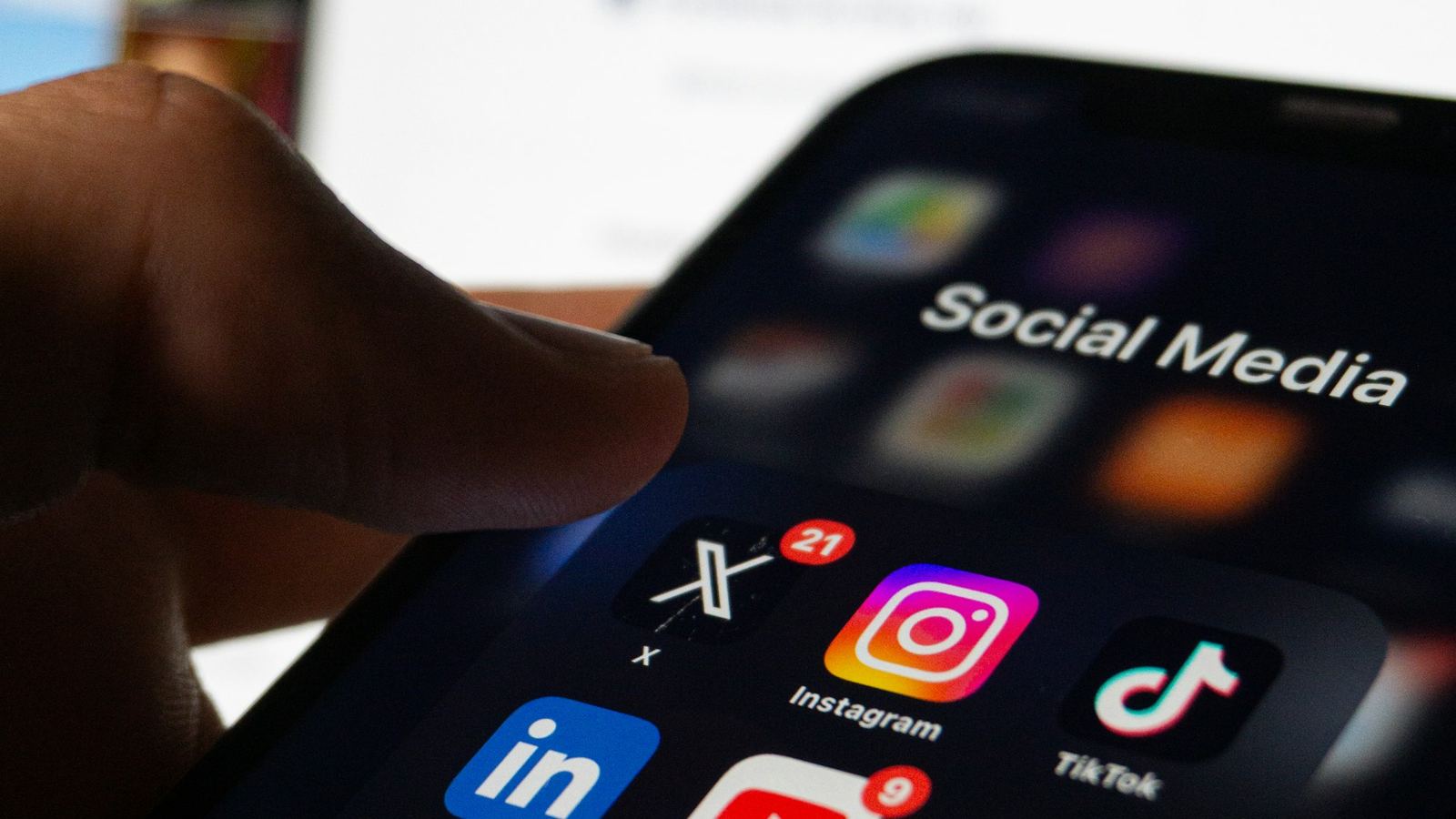
It's a single mobile-friendly page — your own mini landing page — that lists all your important links in one place: your shop, socials, latest content, contact, whatever matters. You drop one link in your Instagram, TikTok, or X bio, and it opens the whole set.
How to make one in Drentio
You build the page, add your links and blocks, theme it, and share the link (plus a QR code).
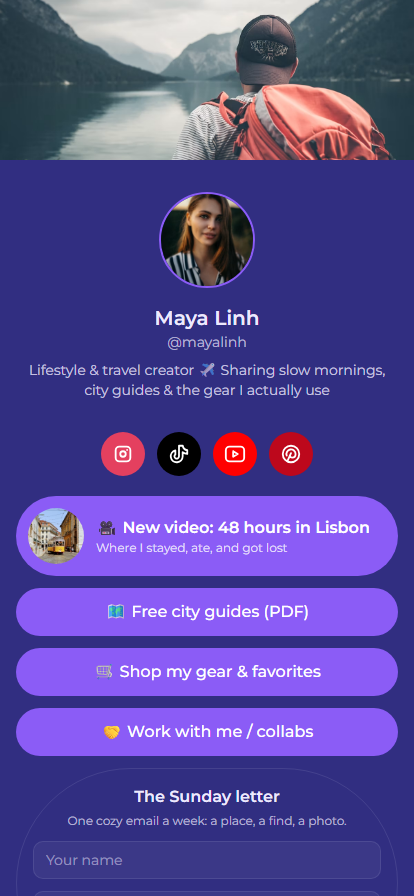
- Add your links and blocks — buttons, social icons, a featured video, a product, a tip jar, an email signup.
- Theme it — colors, fonts, and layout so it looks like you, not a generic template.
- Share it — put the link in your bios, and use the built-in QR code on printed things too (a market stall, a flyer, packaging).
Prefer the step-by-step? Our help guide to your first page walks through it.
What to actually put on your bio page
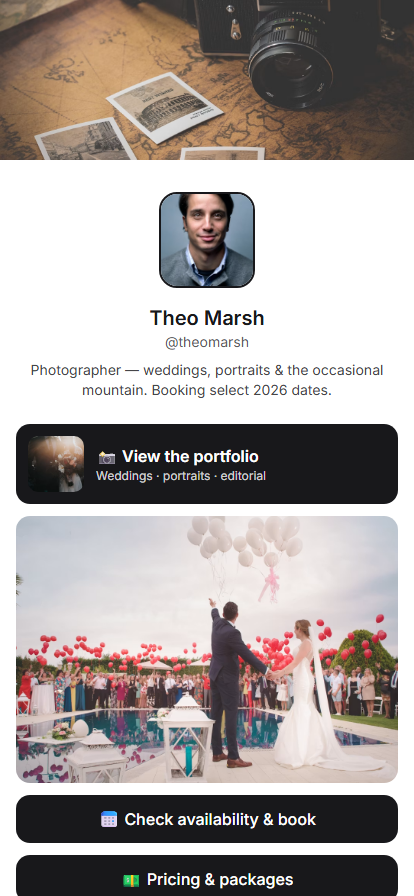
A good link-in-bio page is short and intentional — not a link dump. Consider:
- Your top 3–5 links, most important first. People scan, they don't study.
- Social icons so followers can find you everywhere else.
- A featured item — your latest drop, video, or announcement, pinned up top.
- A tip jar or product if you sell or take support.
- An email signup — the one audience you actually own, unlike followers.
- A clear headline so a new visitor instantly gets who you are.
Tips that make it work
- Lead with one goal. If you mostly want sales, put the shop first. If it's your newsletter, put that first.
- Keep it current. Swap the featured link whenever you post something new.
- Use the QR code offline. Your bio page isn't just for social — a QR on a poster or table card sends real-world people to the same place.
FAQ
Is a link-in-bio page free?
Yes — you can build and publish one on Drentio's free plan, with a QR code included. Custom themes and commerce blocks come with Pro ($7/mo).
Can I sell or take tips from my page?
Yes — Drentio Bio Link includes a tip jar and product blocks on the Pro plan.
Do I get a QR code for my page?
Yes — every page comes with a QR code, so it works in print and in person, not just online.
Where do I put the link?
In the "website" or bio field of your social profiles (Instagram, TikTok, X, etc.), and anywhere else you'd normally share a single link.
Everything you do, one link
Build a link-in-bio page with a QR code, tips, and analytics — free to start.