Scan a QR. Answer questions.
Collect and score the results.
Build a form, survey, or quiz — show a scenario, ask your questions, and let people answer from any phone by scanning its QR. Responses land in your dashboard, auto-scored if you want.
- Scenario blocks for screening / pretest flows
- Quiz scoring with a pass mark
- A built-in QR for every form — never reprint
- Free forever · Pro from $9/mo
Scenario
A patient presents with a fever and a persistent cough for five days…
What is the most appropriate first step?
Live preview — scenario, questions, instant scoring.
Everything you need to collect answers
From a quick feedback form to a scored screening test.
Drag-and-drop builder
Add text, choice, rating, NPS, date, and file-upload questions. Reorder by dragging. No code.
Scenario blocks
Show context — a paragraph, a case, instructions — before the questions. Perfect for screening and pretests.
Quiz scoring
Mark correct answers, assign points, set a pass mark. Respondents get their score instantly; you see pass/fail.
Built-in QR
Every form gets a dynamic QR you can print or share. Restyle it anytime from your saved QR designs — never reprint.
Responses & analytics
See every submission, aggregate stats, and completion rates in your dashboard. Export to CSV/Excel.
Email alerts
Get notified on every submission, and optionally email respondents their result.
Surveys, quizzes, exams & more
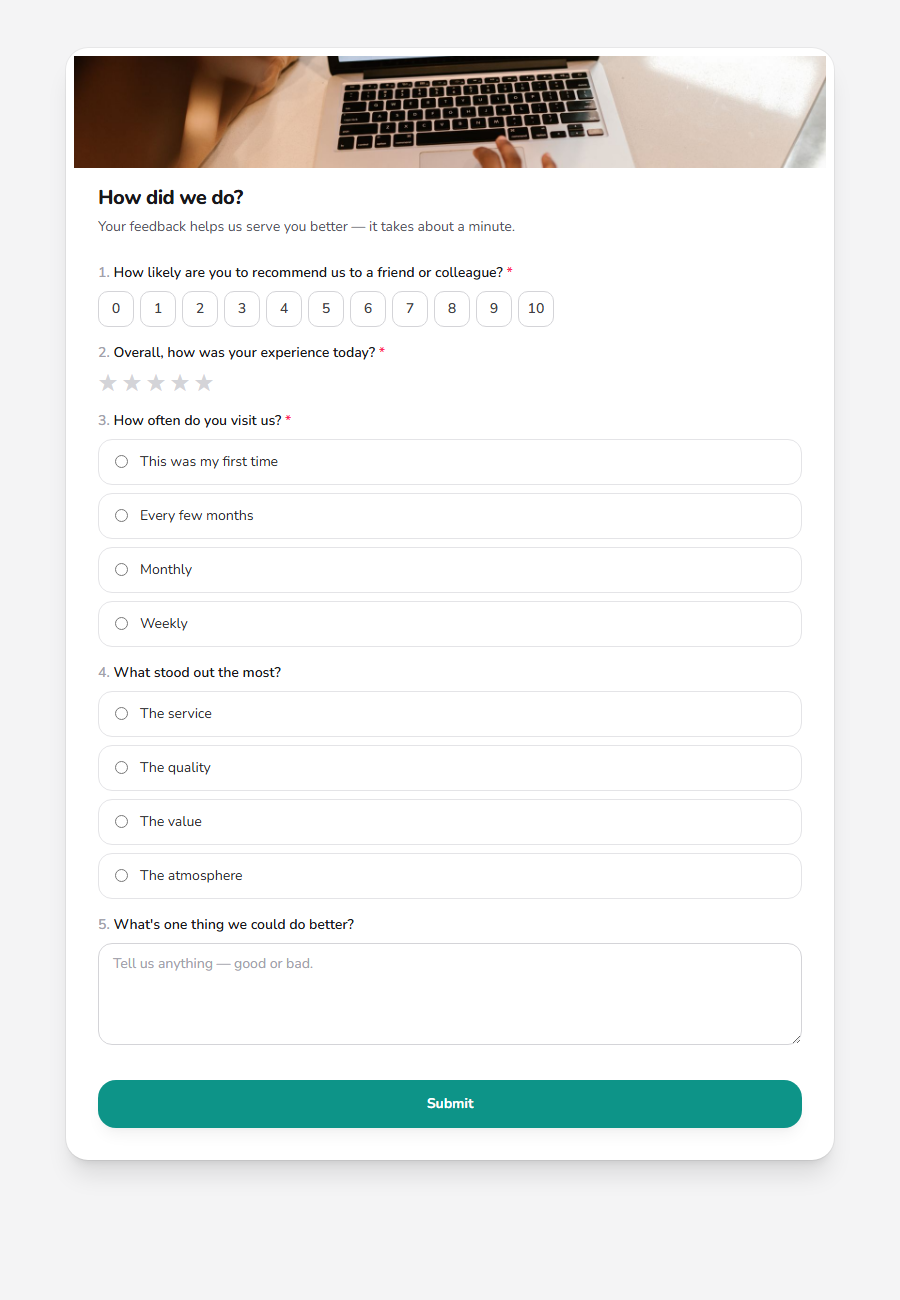
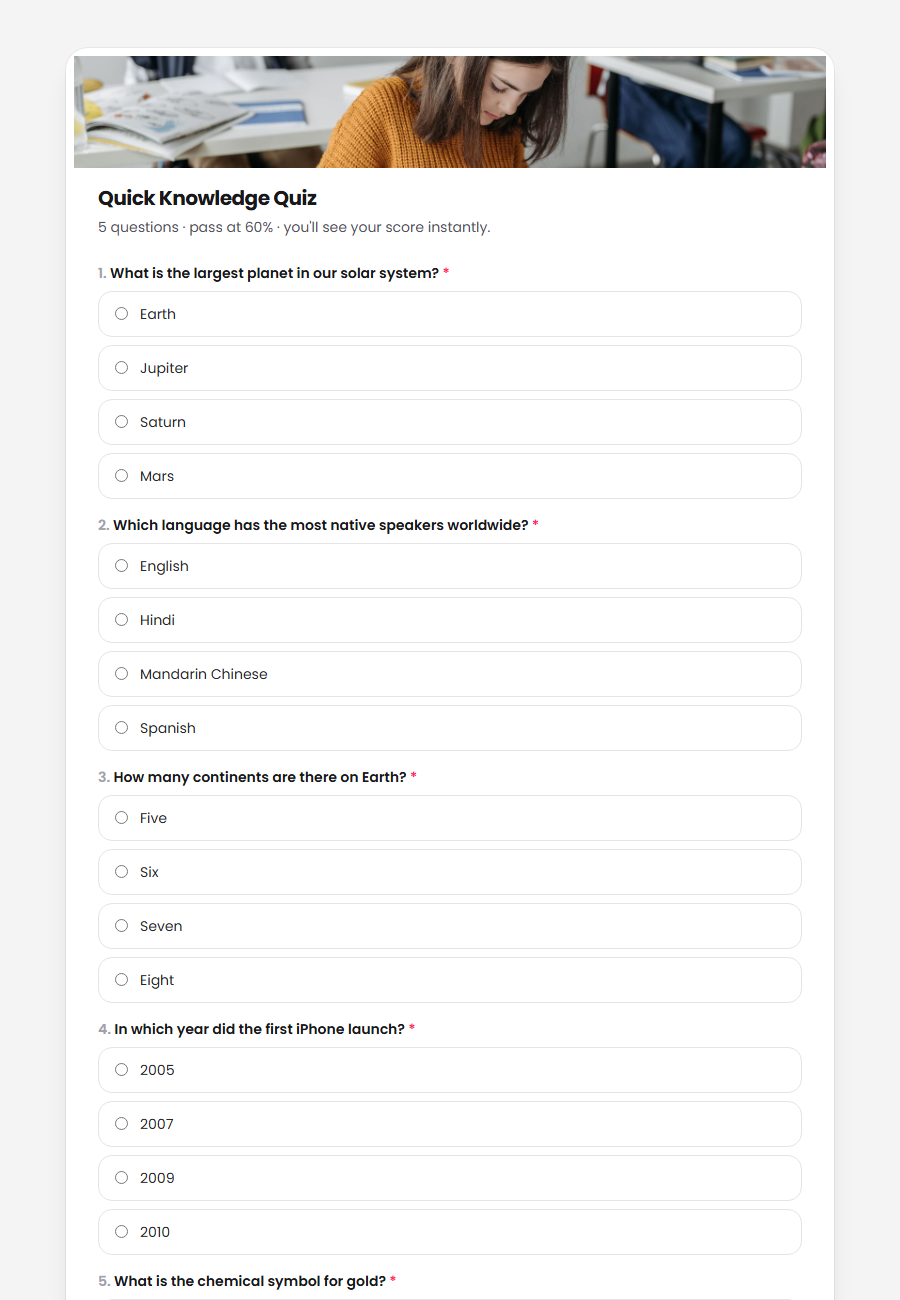
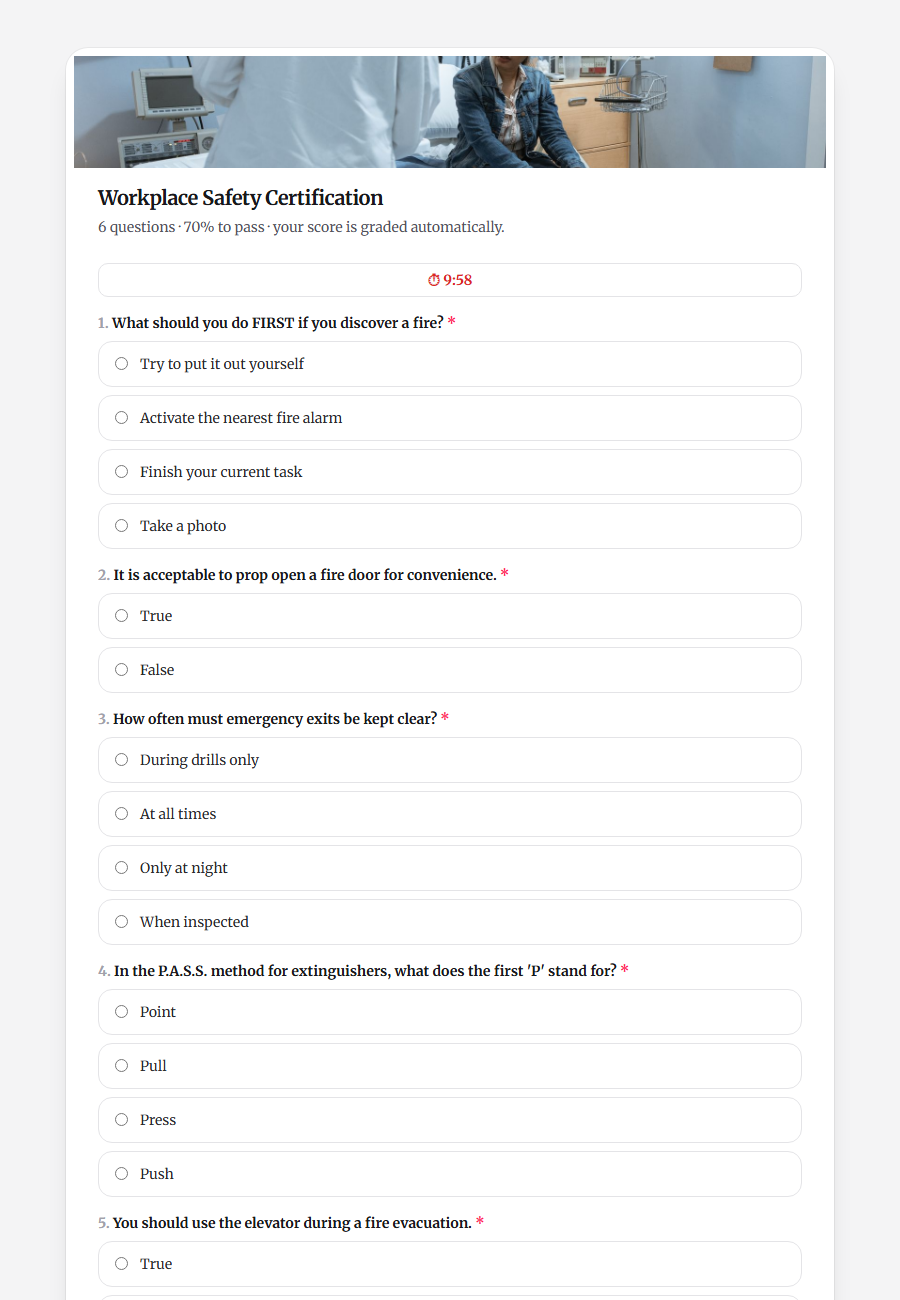
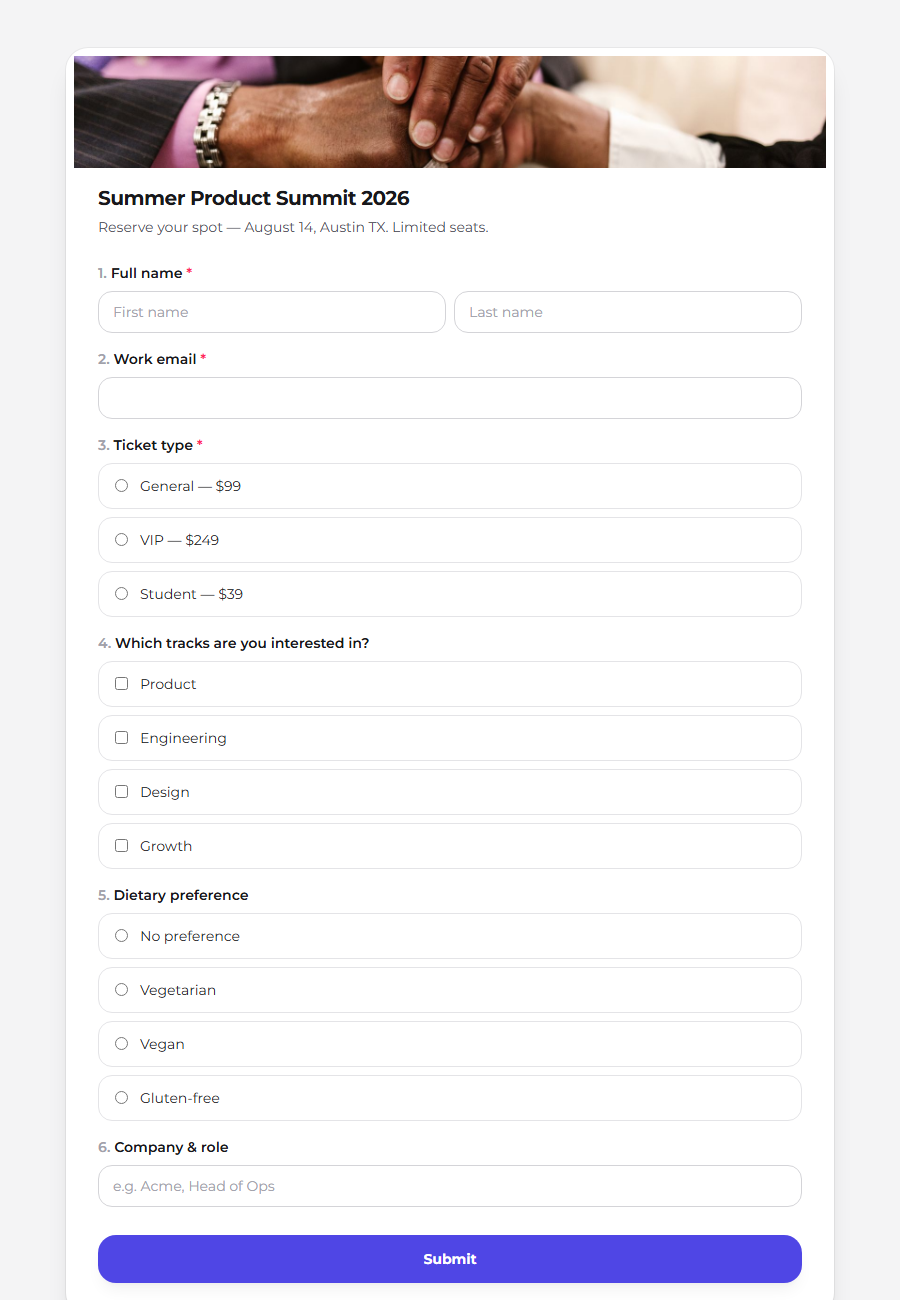
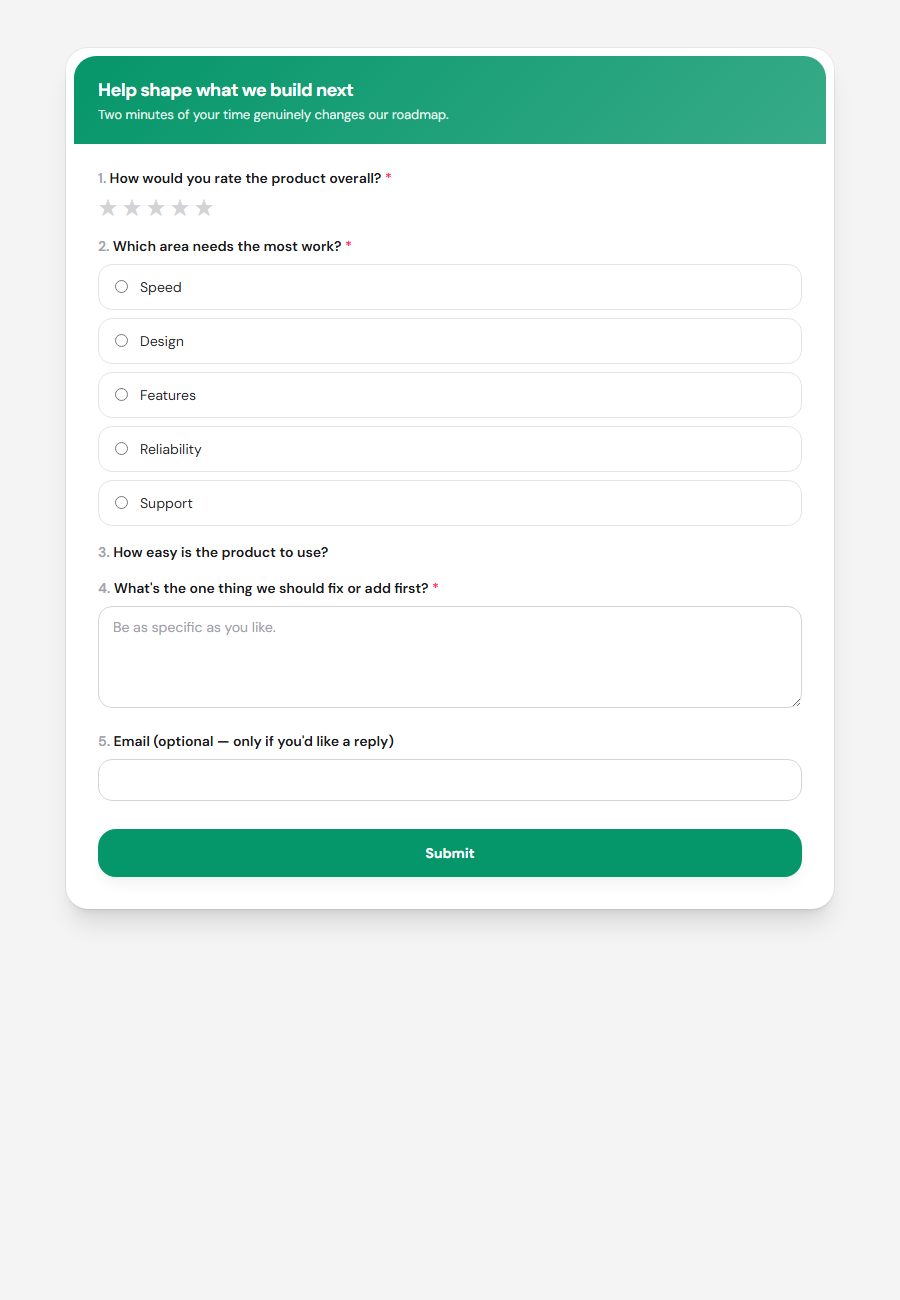
From a customer survey to a self-grading exam with a timer — each of these was built on Drentio and shares by QR or link.
How it works
Three steps from idea to collected answers.
Build your form
Add a scenario and your questions, mark correct answers if it's a quiz.
Share the QR
Print or share the form's built-in QR code — or send the link.
Collect results
Responses land in your dashboard, auto-scored, ready to export.
Start free, upgrade when you grow
Free forever for one form. Pro and Business unlock logic, scoring, exports, and white-label.
Forms Free
One form, 50 responses/month, the scenario + question builder — free forever.
- 1 form · 50 responses/month
- Scenario blocks + basic question types
- Aggregate + individual responses in-app
- Auto-provisioned QR · CAPTCHA · 30-day retention
Forms Pro
10 forms · advanced fields · logic · quiz scoring · CSV export · email alerts · theming.
or $7.50/mo billed yearly
- 10 forms · 1,000 responses/month
- Advanced fields (rating, NPS, scale, dropdown, date)
- Conditional logic · quiz scoring + pass %
- Multi-page (step) layout · custom theming
- CSV export · drop-off analytics · email-on-submit
- 365-day response retention
Forms Business
Unlimited · file uploads · threshold feedback · respondent receipts · white-label.
or $24.17/mo billed yearly
- Unlimited forms, questions & retention
- 10,000 responses/month
- File-upload questions · respondent result receipts
- Per-score-band threshold feedback messages
- White-label forms (remove Drentio branding)
Frequently asked questions
Do respondents need an account?
No. Anyone can scan the QR or open the link and answer — no login required.
Can I score answers like a quiz?
Yes. Mark the correct answers, assign points, and set a pass mark. Each respondent is scored automatically on submit.
How do I share a form?
Every form gets a built-in QR code and a public link. Print the QR, put it on a screen, or send the link — change the form anytime without reprinting.
Can I export the responses?
Yes — download all responses as a CSV/Excel file on Pro and Business plans.
Collect your first responses today
Build a form, share its QR, and watch the answers roll in — free to start.
Create a form freeNo credit card required.