How to Make a Quiz That Grades Itself
Stop grading by hand. Here's how to make a free self-grading quiz — mark the answers, set a passing score, share it by QR or link, and let every submission score itself instantly.
Grading by hand is the worst part of running a quiz. Whether it's a training pre-test, a class assessment, or a screening exam, you end up with a stack of responses and an evening of marking — and the person who took it is left waiting to find out how they did. A self-grading quiz flips that: the moment someone hits submit, it's scored, and they see their result instantly.
Here's how to make one for free, and where auto-grading actually shines.

Let the quiz do the grading
Build a quiz that scores itself with pass/fail — free to start.
What "self-grading" actually means
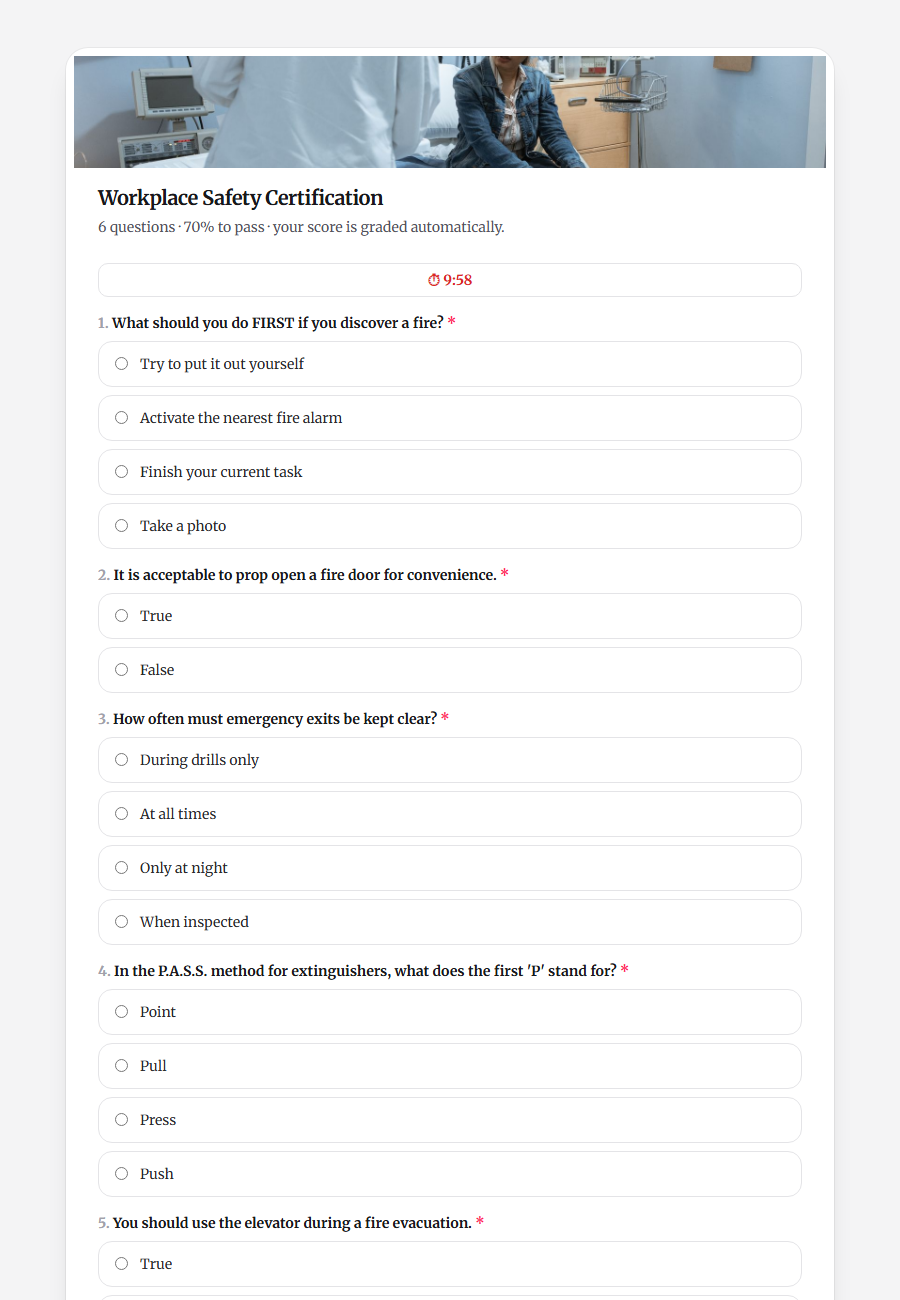
A self-grading quiz has the answer key built in. When you create each question, you mark the correct answer(s) and assign points. When someone submits, the quiz compares their answers to the key, adds up the score, and shows a result — pass or fail, a percentage, and whatever message you want them to see. No spreadsheet, no red pen.
How to make one in Drentio
You build the questions, mark the correct answers, set a passing score, and share it.
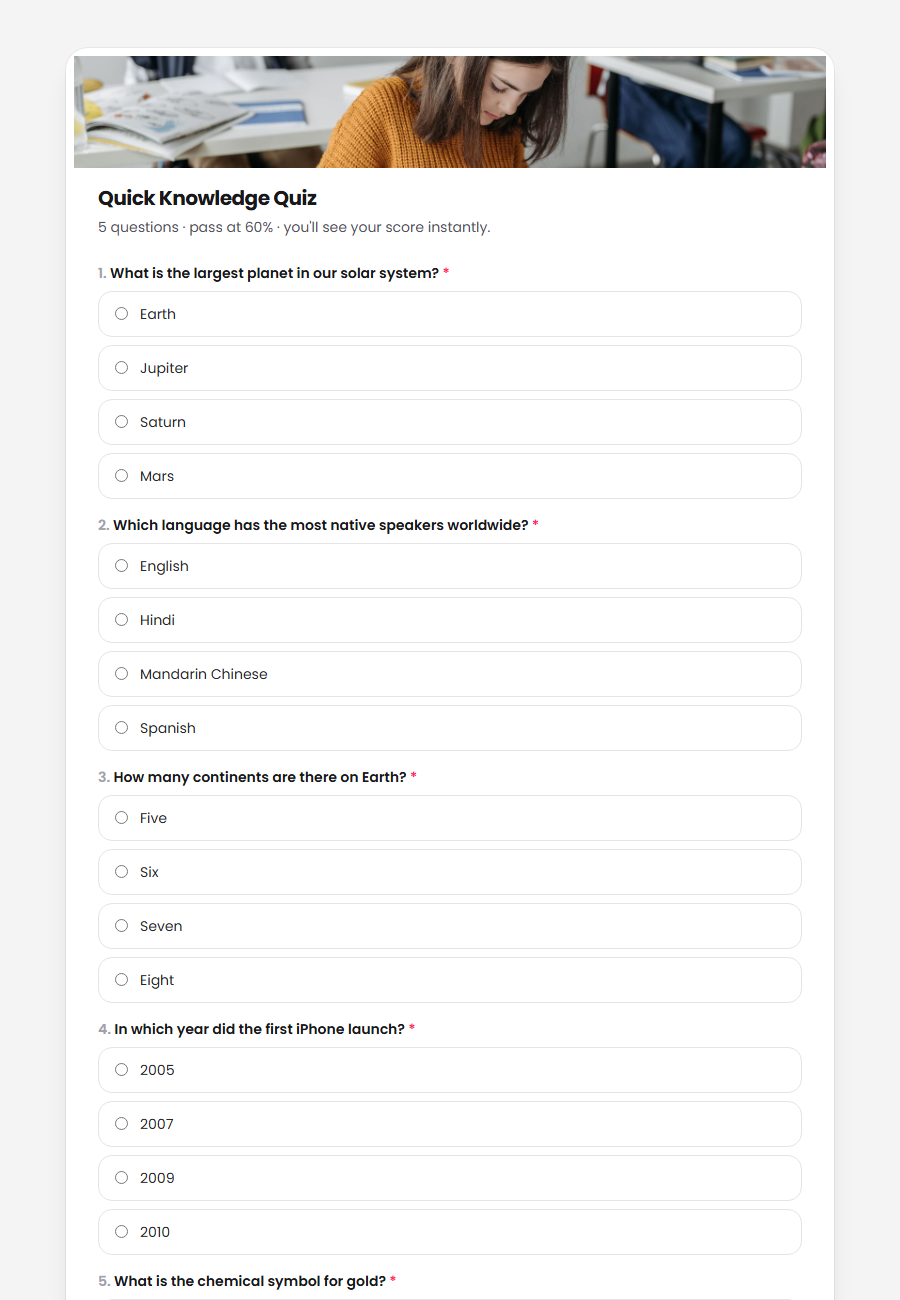
- Add your questions — multiple choice, checkboxes, or text answers.
- Mark the correct answer and points for each question — that's your answer key.
- Set a passing score and result messages — e.g. "You passed!" or "Review and try again."
- Share it by QR code or link — print the QR on a handout or slide, or send the link.
- Watch it grade itself — every submission is scored automatically, and you can see all the results in one place and export them.
Beyond simple multiple choice
A good quiz builder handles more than "pick A, B, or C":
- Text answers can auto-grade too — set the accepted answer(s) and they're checked automatically.
- Scenario (case-study) questions — a shared passage with a group of questions about it, ideal for training and real assessments.
- Points per question, so harder questions can weigh more.
Where self-grading quizzes earn their keep
- Training — a quick pre-test and post-test to prove what people learned.
- Screening — a short knowledge check before onboarding or certification.
- Education — classroom quizzes that free teachers from marking.
- Compliance — a "did you understand the policy?" check with a pass threshold.
The scan-to-answer-to-instant-result flow is the whole point: put a QR code on a worksheet or slide, and everyone in the room can take the quiz on their phone and know their score before they leave.
FAQ
Is a self-grading quiz free?
Yes — you can build a quiz on Drentio Forms' free plan. Scoring, higher limits, and more come with Pro ($9/mo).
Can it grade text answers, or just multiple choice?
Both. You mark the correct answer for multiple-choice and checkbox questions, and you can set accepted answers for text questions so they grade automatically too.
Can people take the quiz from a QR code?
Yes — every quiz gets a QR code and a link. Print the QR on a handout or show it on a slide, and people take the quiz on their phones.
Can I set a passing score and a custom result message?
Yes — set the score needed to pass and the messages people see for passing or failing.
Never grade by hand again
Create a self-grading quiz with pass/fail, share it by QR or link, and see every result in one place.