Static vs Dynamic QR Codes: What's the Difference?
Static or dynamic QR code — which do you need? A plain-English guide to the difference, when to use each, and why dynamic codes can be edited and tracked while static ones can't.
If you've ever gone to make a QR code and been asked to choose between "static" and "dynamic," you've probably wondered whether it actually matters. It does — and picking the wrong one can cost you a reprint, or a whole campaign's worth of data.
Here's the difference in plain English, and how to know which one you need.
First, what a QR code actually is
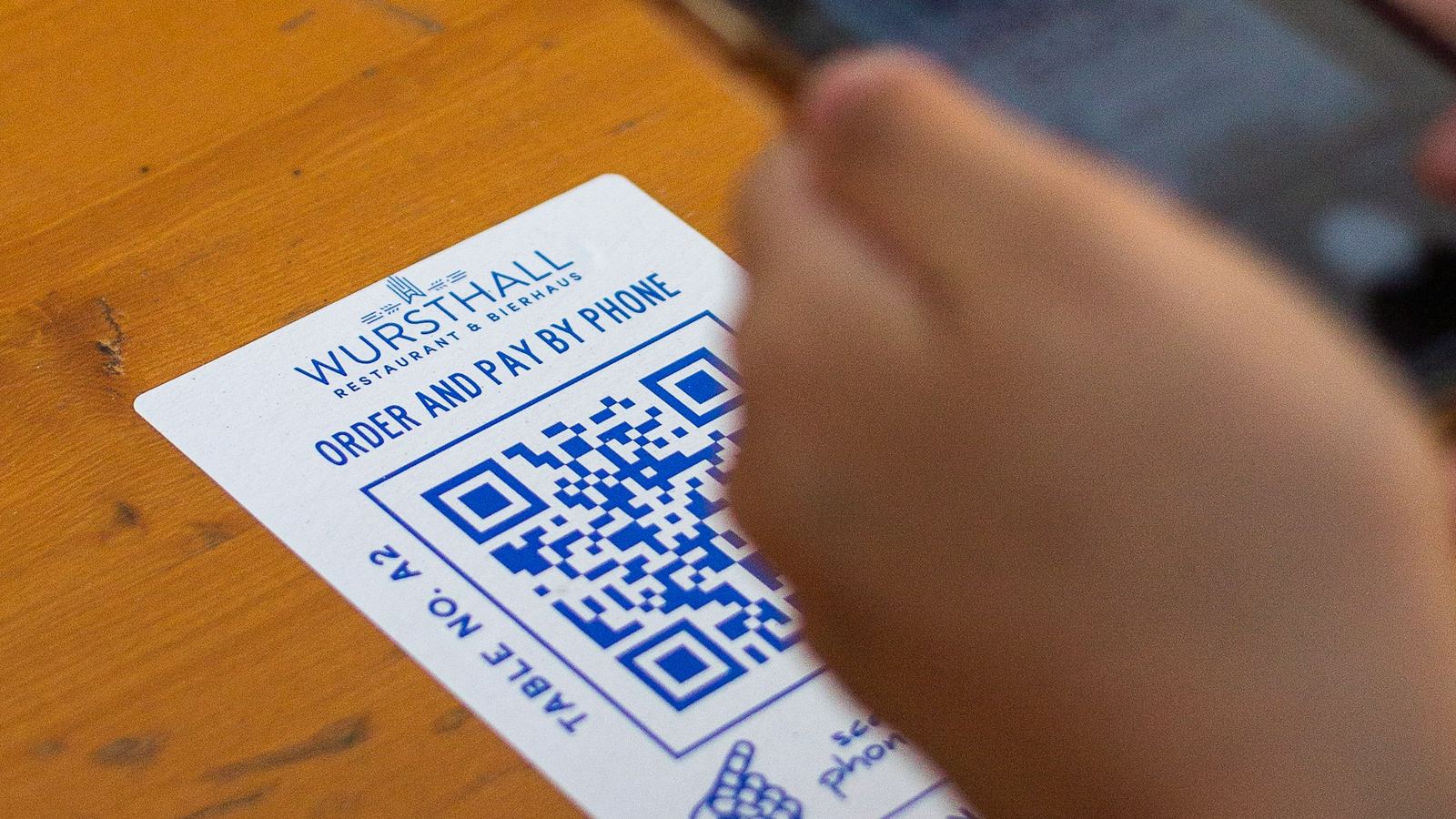
A QR code is just a machine-readable way of storing information — usually a link. A phone camera reads the pattern of black and white squares, decodes it, and opens whatever it points to. Simple enough. The static-vs-dynamic question is about how that information is stored.
What is a static QR code?
A static QR code has the destination baked directly into the pattern. The squares themselves encode your URL. That has two consequences:
- It never changes. Whatever you encoded is fixed forever. To point somewhere else, you have to generate a brand-new code.
- It can't be tracked. Because scanners go straight to the destination, there's nothing in the middle counting the scans.
Static codes are perfectly fine for things that will never change and that you don't need to measure — a Wi-Fi password, a plain vCard, a link you're certain of.
What is a dynamic QR code?
A dynamic QR code encodes a short redirect link that you control, not the final destination. When someone scans, they hit that redirect, which forwards them wherever you've set it. That unlocks two big things:
- You can change the destination anytime — without touching the printed code. Fix a wrong link, swap a campaign, update a menu.
- You get analytics. Because every scan passes through your redirect, you can see how many scans you got, when, and roughly where.
Static vs dynamic, side by side
| Static | Dynamic | |
|---|---|---|
| Destination baked into the code | Yes | No (uses a redirect) |
| Editable after printing | ✘ | ✅ |
| Scan tracking / analytics | ✘ | ✅ |
| Works forever with no account | ✅ | Needs an account to manage |
| Best for | Fixed, one-off info | Anything you print, promote, or measure |
Which should you use?
- Use static for simple, permanent, no-tracking needs — a guest Wi-Fi code, a personal vCard.
- Use dynamic for anything you'll print, promote, or want to measure — flyers, packaging, menus, posters, ads, business cards. If there's any chance the link could change, or you'd like to know how it performed, go dynamic.
The catch: a static code can't be "upgraded" later — if you printed one and the link is wrong, you're reprinting. That's exactly the situation dynamic codes are built to avoid (more on that in how to change the link inside a printed QR code).
FAQ
Do static and dynamic QR codes look different?
No — they look identical. The difference is only in what's encoded (a fixed destination vs a redirect you control).
Can I turn a static QR code into a dynamic one?
Not the printed one — its destination is fixed. You'd create a new dynamic code. That's why it's worth choosing dynamic upfront for anything you print.
Are dynamic QR codes free?
You can create dynamic QR codes with Drentio's free plan; scan analytics and higher limits come with Pro.
Do dynamic QR codes expire?
They keep working as long as the account managing them is active. The printed pattern never changes; only where it points can change.
Print once, edit forever
Create a dynamic, trackable QR code with your logo — free to start.