How to Create a Contactless Restaurant Menu in Under 10 Minutes
Ditch printed menus. Here's how to build a QR-code menu diners scan at the table — no app to download, update prices and sold-out items instantly, live in minutes.
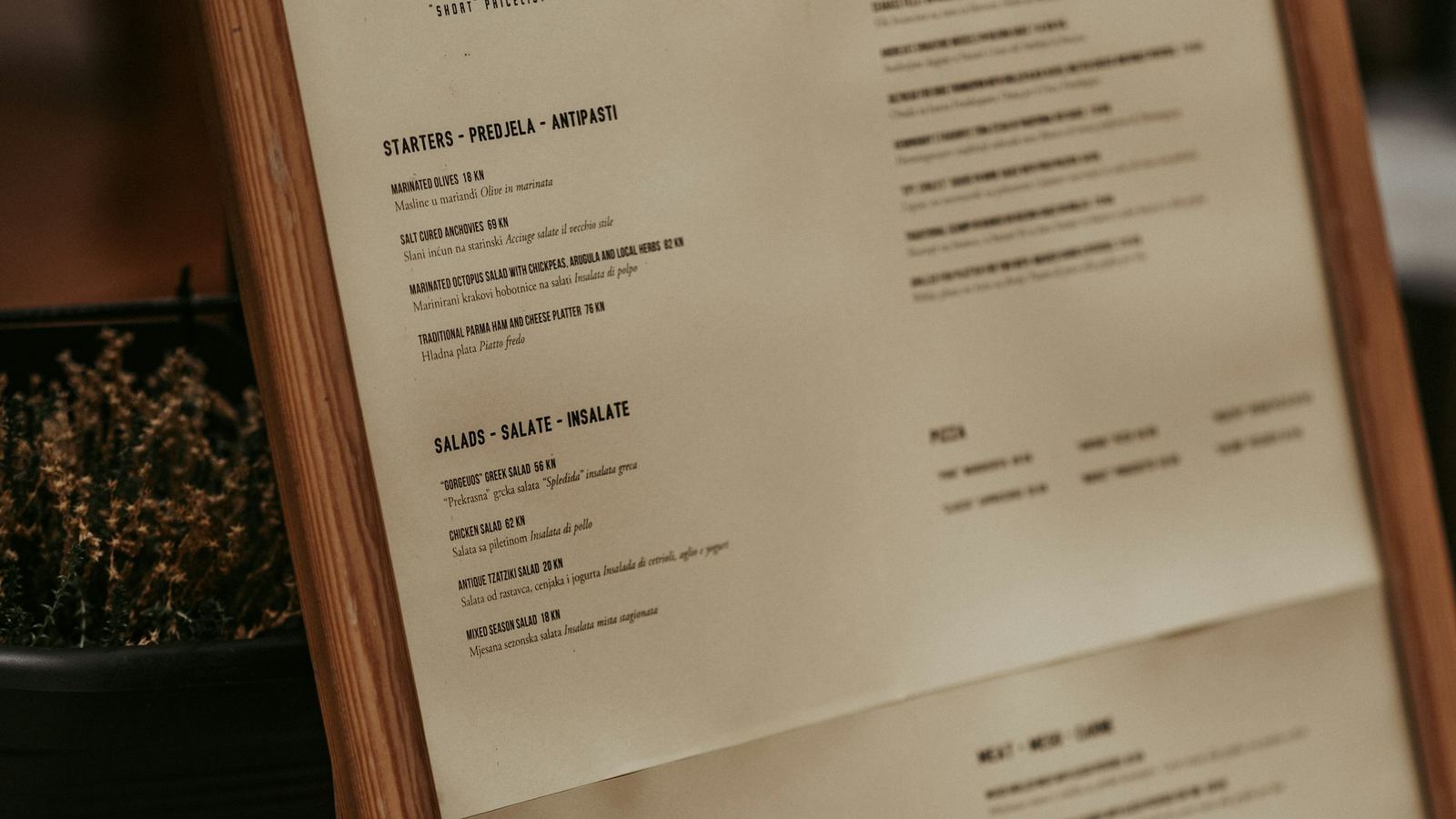
Printed menus are quietly expensive. They go out of date the moment a price changes, they get sticky and torn, and reprinting a stack every time you 86 a dish adds up fast. Meanwhile your diners are already holding the one device that could show your menu perfectly: their phone.
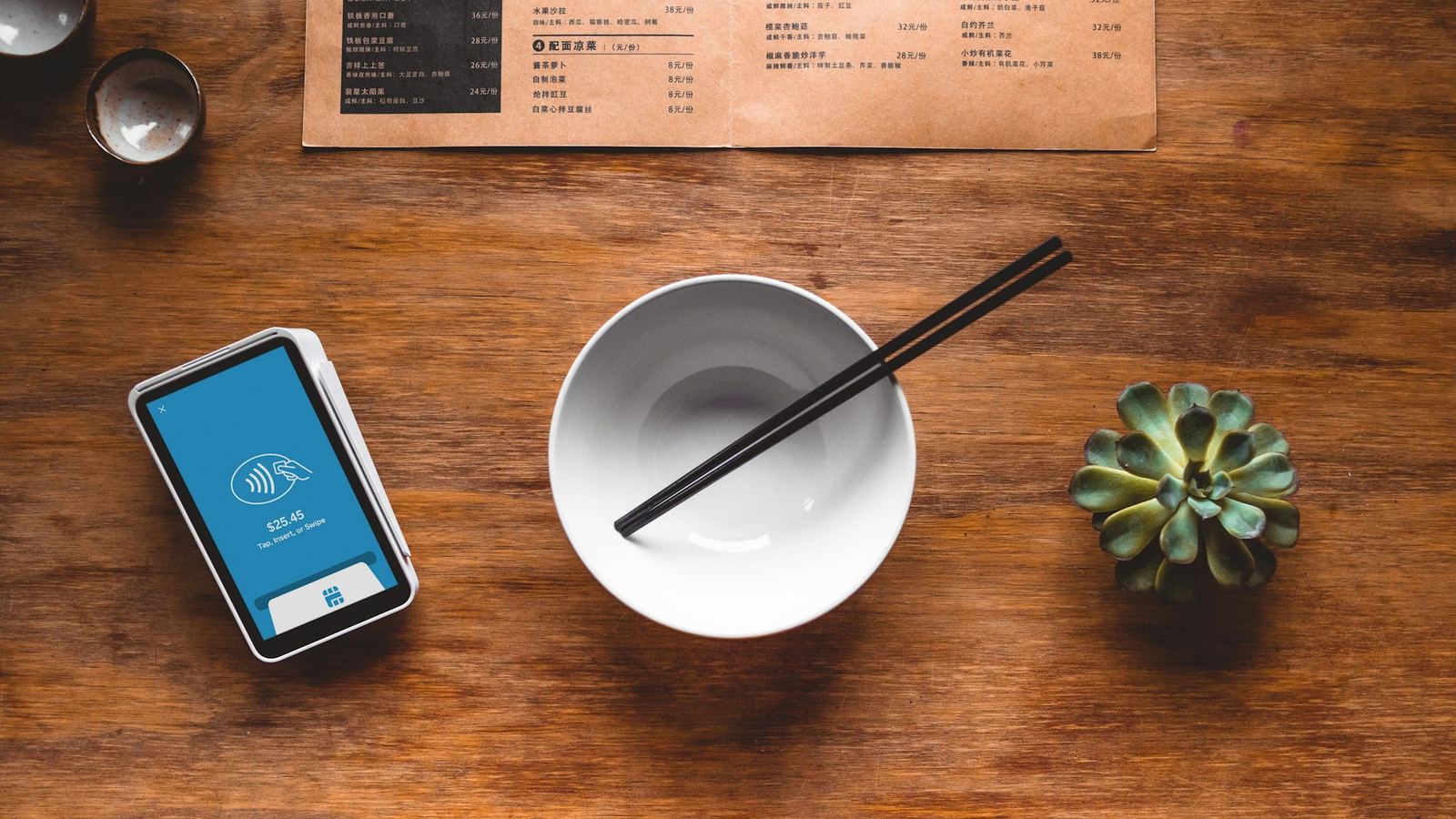
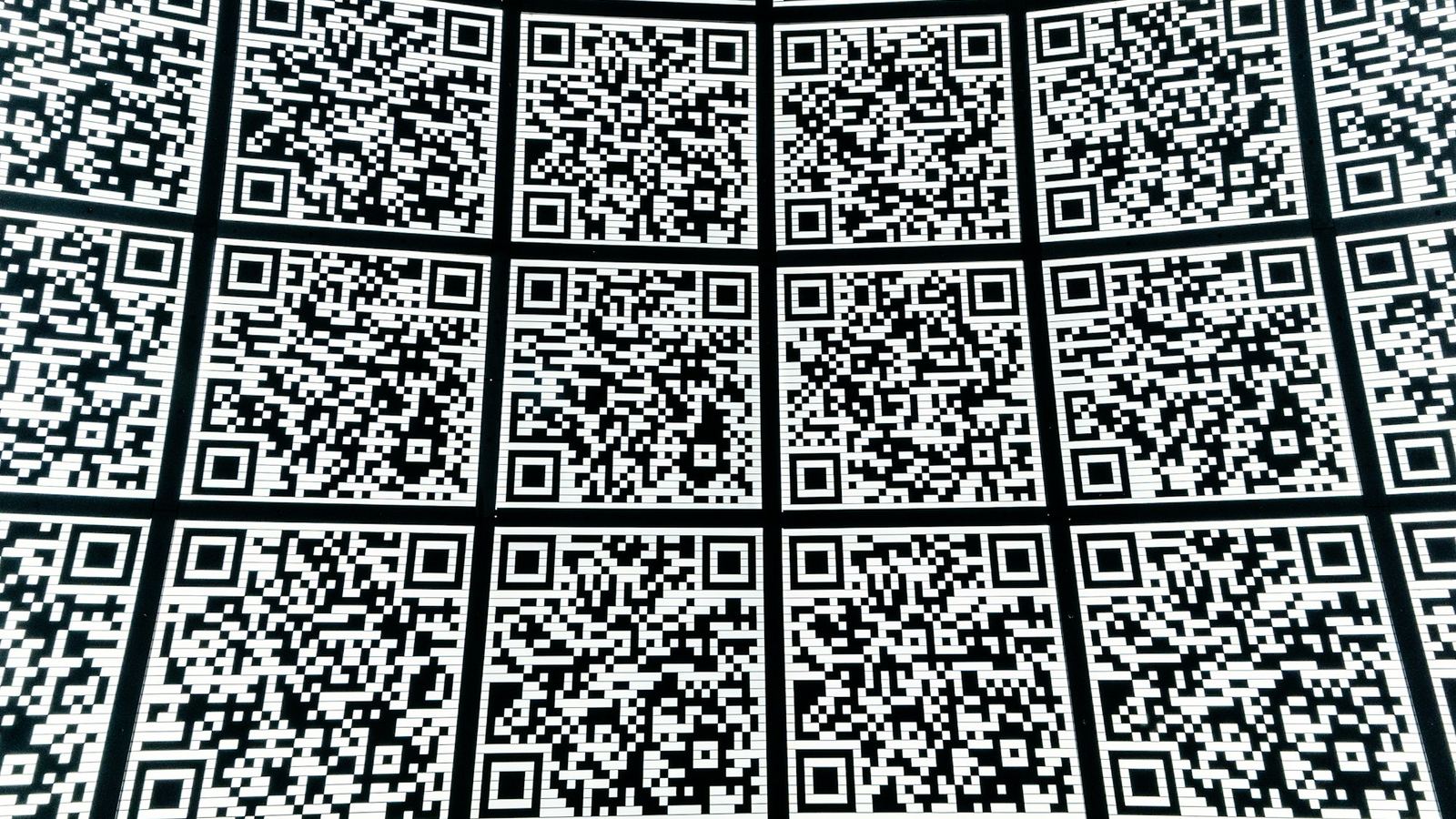
A QR-code menu fixes all of it — diners scan a little code on the table, your menu opens instantly, and you can change anything from your phone in seconds. Here's how to set one up in under 10 minutes.
Put your menu on the table by tonight
Create a contactless QR menu diners scan — no app, free to start.
What you'll need
Just two things: your current menu (even a photo or PDF is fine to copy from) and about ten minutes. No app for you to install, and — importantly — no app for your diners to download. They scan, the menu opens in their browser. That's it.
How to build it in Drentio
You add your menu once, and Drentio gives you a QR code to print and place on tables, windows, or receipts.
The flow is quick:
- Add your sections and items — name, price, description, and a photo. You can tag allergens and calories too.
- Get your QR code — Drentio generates it automatically; download a print-ready file for table tents or window stickers.
- Place it and go live — diners scan and browse on their own phones.
Want the exact click-by-click? Our help guide on building a menu walks through every field. The point here: it's fast, and once it's up, changes are instant.
The part that pays for itself: instant updates
Ran out of the salmon? Flip it to sold out in one tap and it greys out on every diner's screen immediately — no crossing it off with a pen, no reprint. Price change, new special, seasonal menu? Edit it once and it's live everywhere the code is printed.
Because the QR code points to your live menu (not a fixed file), you never reprint the code itself — only what it shows changes.
Add ordering when you're ready
Start with a view-only menu on the free plan. When you want diners to order and pay from their phones, Drentio Pro adds contactless online ordering with Stripe payouts — and, unlike the big delivery apps that take 15–30% per order, there's no per-order commission. For a busy kitchen that difference is real money kept in-house.
What it costs
- Free — a full view-only QR menu with instant updates and sold-out toggles.
- Pro ($39/mo) — adds contactless ordering, payments, and more.
Compare that to reprinting menus a few times a season, plus the commissions a delivery app skims off every ticket, and a QR menu usually pays for itself quickly.
(Illustrative — your printing and delivery-app costs will vary.)
FAQ
Do my diners need to download an app?
No. They scan the code and your menu opens in their phone's browser. Nothing to install.
Can I update prices after I print the code?
Yes — that's the whole advantage. The printed code points to your live menu, so edits (prices, photos, sold-out items) show up instantly without reprinting anything.
Can I run more than one location?
Yes. Higher tiers let you manage multiple stores and menus from one dashboard.
Is the free menu really free?
Yes — a view-only QR menu with instant updates is free. Ordering and payments come with Pro.
Modern menu. Zero reprints.
Launch a contactless menu diners scan at the table, and update it anytime.