Why Restaurants Are Switching to QR Menus (2026)
Why are so many restaurants moving to QR-code menus? The real benefits — instant updates, no reprints, ordering without commissions — and an honest look at where printed menus still win.
A few years ago, scanning a QR code to see a menu felt novel. Now it's on tables in cafés, bars, food trucks, and fine-dining rooms alike. The shift started out of necessity and stuck around for a simpler reason: a QR menu quietly solves problems that printed menus never could — even if it's not the right fit for every table.
Here's an honest look at why so many restaurants have made the switch, and where a printed menu still earns its place.
The quiet problems with printed menus
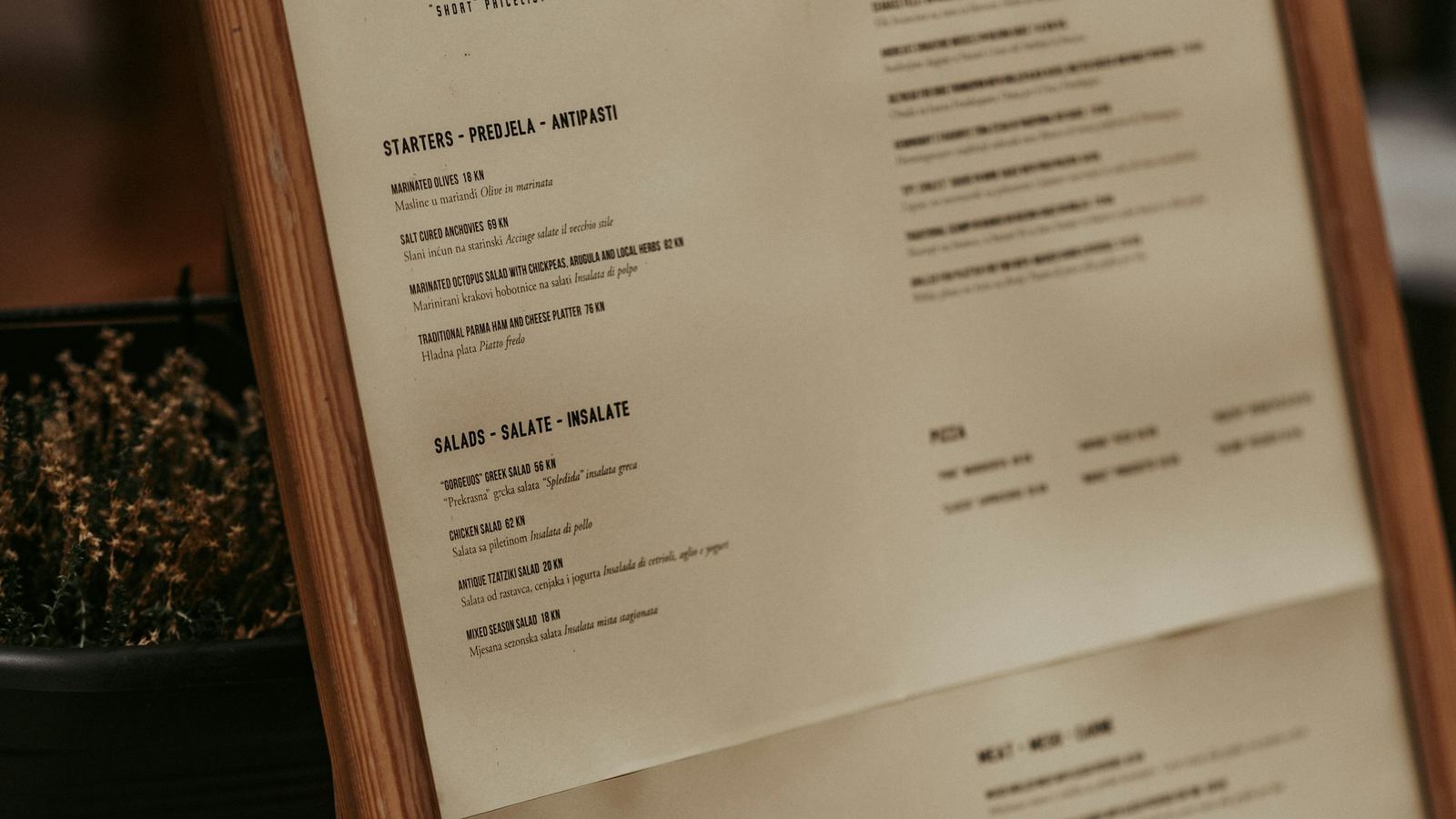
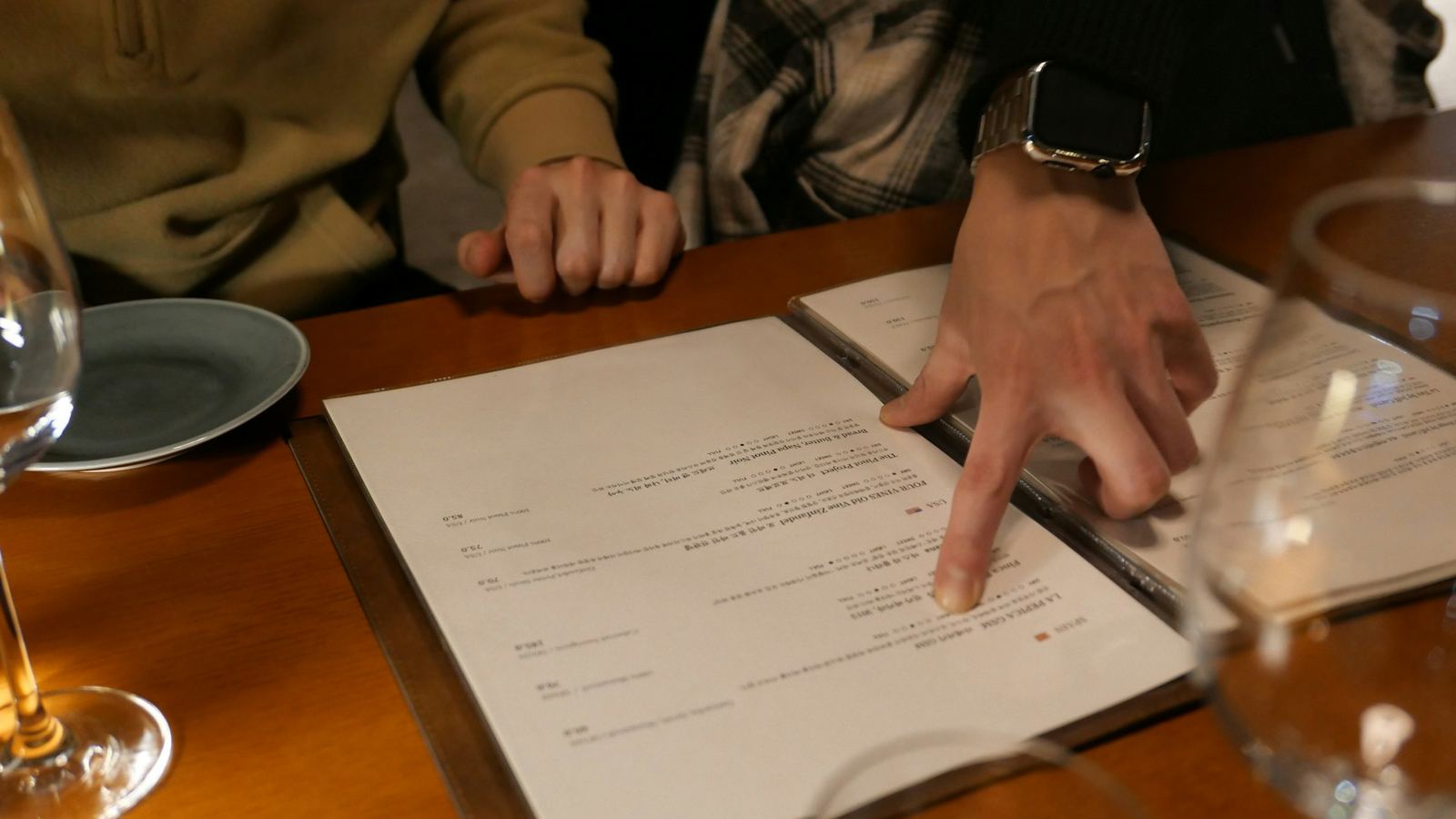
Paper menus have hidden costs that add up:
- Reprints. Every price change, new dish, or seasonal swap means designing, printing, and replacing a stack of menus.
- They go stale. The moment you 86 a dish or nudge a price, every printed menu is out of date until the next reprint.
- Wear and tear. Menus get sticky, torn, and (post-2020) raise hygiene questions.
- They're static. A printed menu can't show a photo gallery, switch languages, or tell a diner what's sold out right now.
Why restaurants are switching
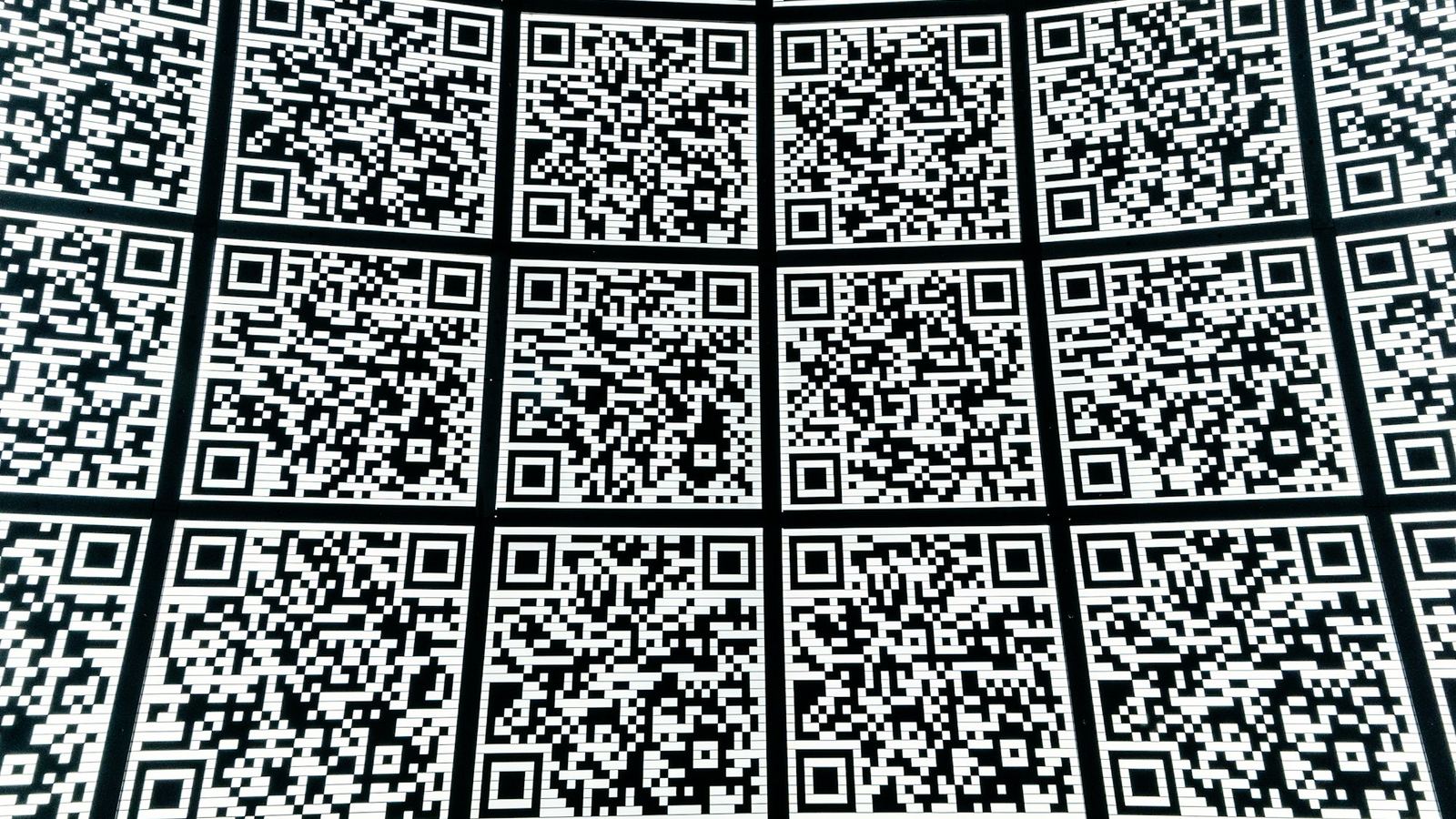
A QR-code menu — one diners open by scanning a small code on the table — fixes most of that:
- Update anything instantly. Change a price, add a special, or mark a dish sold out from your phone, and every table sees it immediately. No reprints, ever.
- Cut printing costs to near zero. The code doesn't change even when the menu does, so you print once (or not at all).
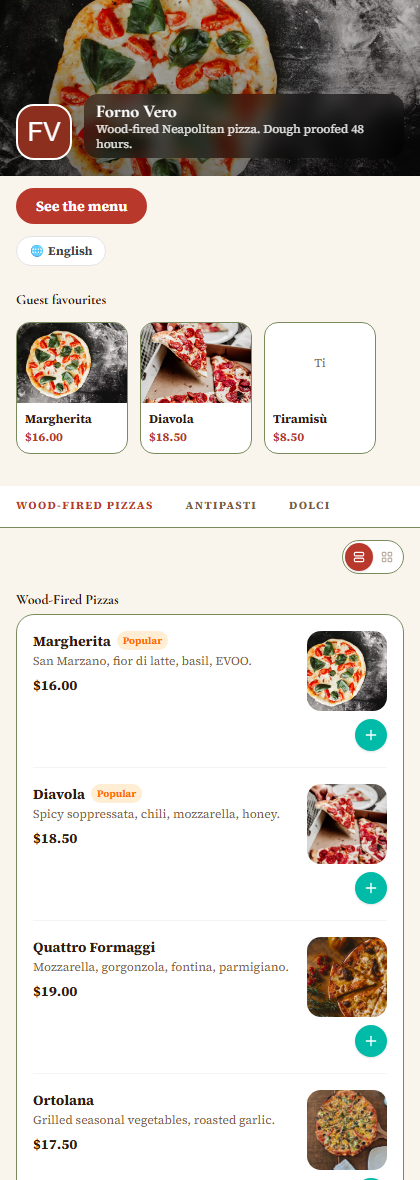
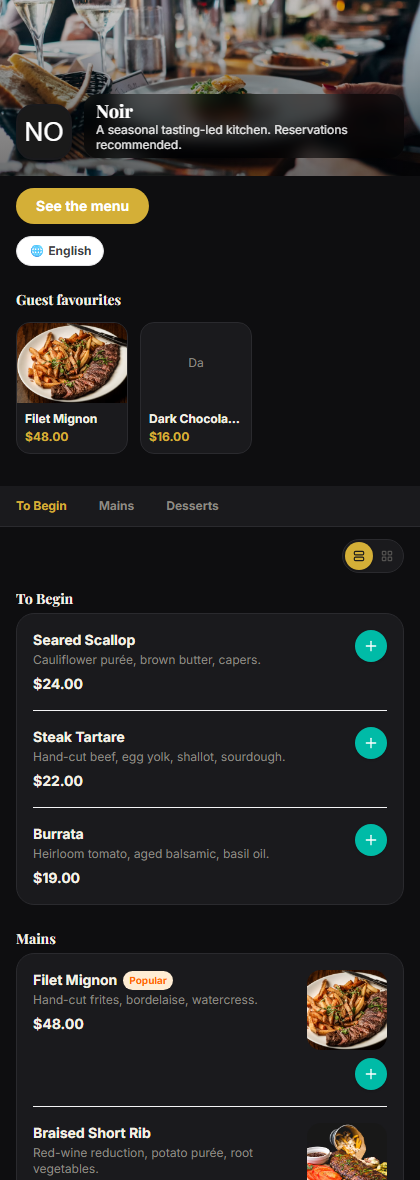
- Show more. Photos, descriptions, allergens, and calories — without cramming a page.
- Speak your diners' language. Multilingual menus switch automatically, which matters in tourist-heavy spots.
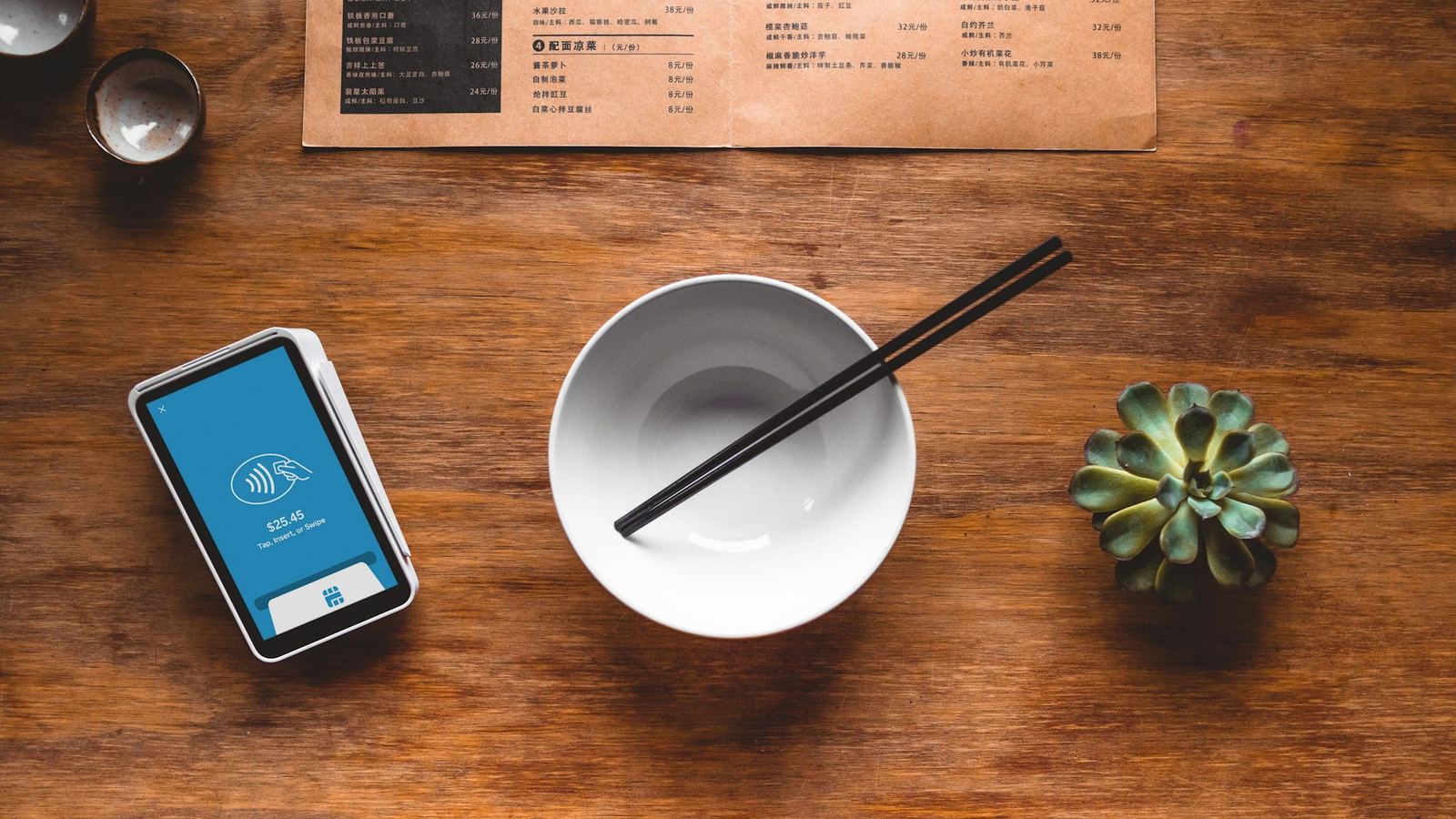
- Take orders and payments (optional). Many restaurants add contactless ordering so diners order from their phones — often without the 15–30% commission delivery apps charge.
- See what's working. Because it's digital, you can tell which items get viewed and ordered most.
Are QR menus actually good for diners?
Here's the honest part: not everyone loves a QR-only menu. Some diners find scanning fiddly, some don't want to stare at a phone over dinner, and accessibility matters — older guests or anyone without a smartphone can be left out.
The restaurants that get it right treat the QR menu as the default, not the only option: a clean, fast-loading menu that opens in one scan, with a few printed copies on hand for anyone who prefers paper. Done that way, you get the operational upside without alienating a single guest.
Getting started is quick
Setting up a QR menu is a job of minutes, not weeks: add your items, get a QR code, and place it on tables or windows. If you'd like to see how it works, Drentio lets you build a QR-code menu with instant updates, sold-out toggles, and optional online ordering — free to start with a view-only menu.
FAQ
Are QR code menus good for restaurants?
For most, yes — they eliminate reprints, update instantly, and can add ordering without app commissions. The main trade-off is diner preference, which is easily solved by keeping a few printed menus on hand.
Do QR menus cost money to set up?
You can launch a view-only QR menu for free. Contactless ordering and payments typically come with a paid plan.
Do diners need an app to use a QR menu?
No — they scan the code and the menu opens in their phone's browser. Nothing to install.
Can I still offer printed menus too?
Yes, and it's a good idea. Use the QR menu as the default and keep a few printed copies for guests who prefer them.
Modern menu, zero reprints
Launch a contactless QR menu you update in seconds — free to start.