Billing
Cancel or downgrade
What happens to your data when you go back to Free.
You can cancel or downgrade any module any time. Drentio doesn't lock you in, doesn't make you email "billing@" — it's two clicks.
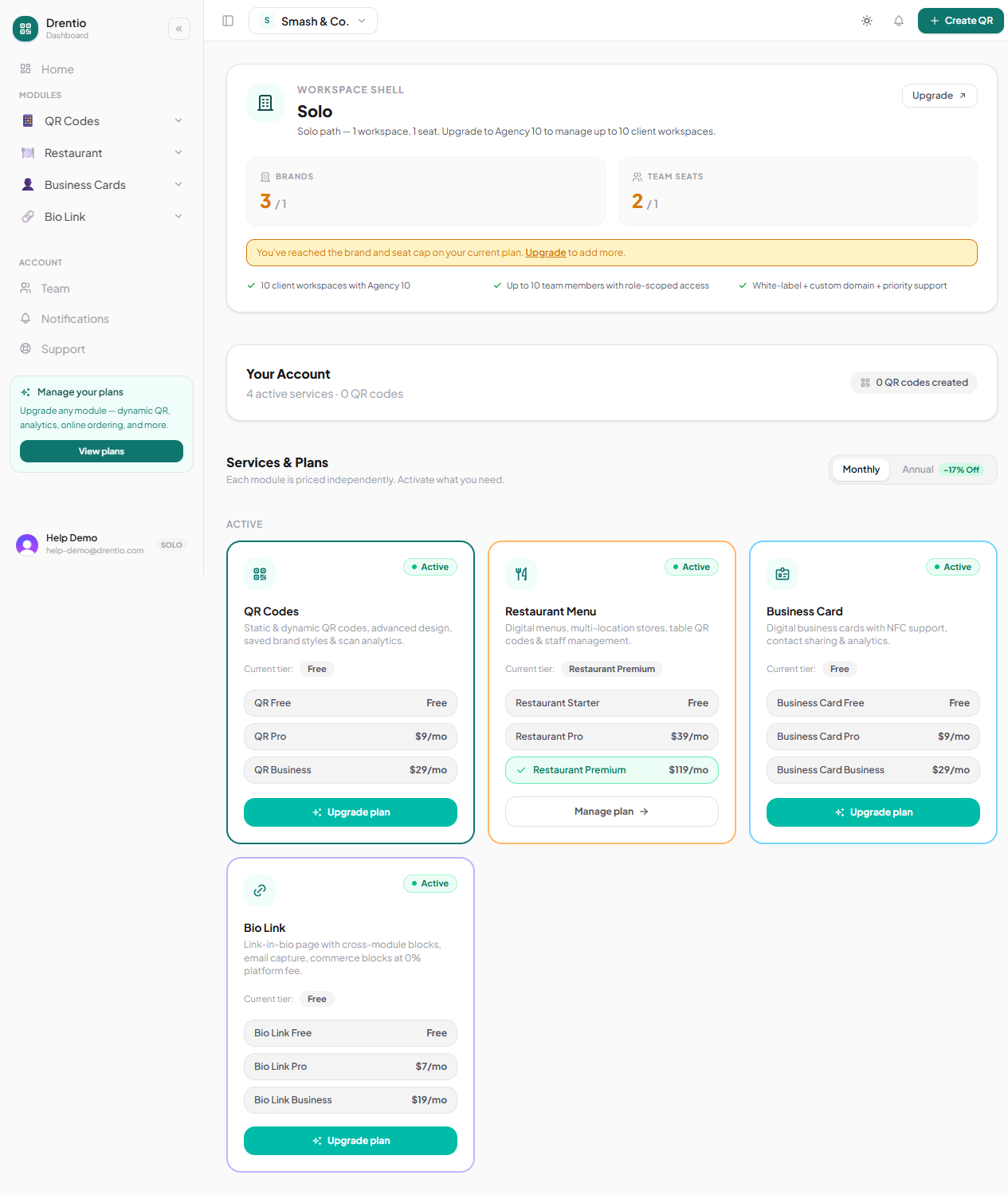
How to cancel
Step 1 — Open billing
drentio.com/billing → find the module you want to cancel.
Step 2 — Tap Cancel subscription
We ask once if you're sure. We do not ask three times or run a retention flow. Cancel = cancel.
Step 3 — Confirm
You keep paid features until the end of your current billing cycle. After that, you drop to Free tier for that module.
What happens to your data
Nothing is deleted on downgrade. This is the most important promise:
| Asset | After dropping to Free |
|---|---|
| QR codes (>3 dynamic) | Read-only; visitors still scan, you can't edit |
| Saved styles (>3) | Top 3 active; rest hidden but stored |
| Restaurant menu items (>50) | Top 50 visible; rest hidden but stored |
| BC cards (>1) | First card stays public; rest hidden but stored |
| Bio Link pages (>1) | First page stays public; rest hidden but stored |
| Analytics history (>7 days) | Last 7 days visible; rest stored, hidden |
Upgrade again later → everything reappears instantly. No re-import, no data loss.
Soft-lock behavior
This is intentional. You shouldn't lose months of work because your card expired or your business hit a slow month. The data sits in your account; you just lose access to features above the Free limit until you re-upgrade.
Full account deletion
If you really want everything gone:
Step 1 — Account settings → Delete
drentio.com/account/delete.
Step 2 — Type your brand name to confirm
Anti-fat-finger guard.
Step 3 — 30-day window
We soft-delete first. For 30 days you can email support@drentio.com to restore. After 30 days, hard-deleted from our DB + Stripe customer record archived.
GDPR right-to-erasure. If you delete for compliance reasons, mention it in your support email and we'll skip the 30-day window. We meet the GDPR 30-day-response window required by article 17.
Refunds
- Annual — pro-rated refund for unused full months, on request via support@.
- Monthly — no refund mid-cycle (you keep access until cycle end).
- Disputes — we don't charge re-instatement fees. Just email; we'll fix it.