Business Cards
Share your card
QR, link, vCard, Apple Wallet pass — every distribution method.
A digital card is only useful if people can actually grab it. Drentio gives you four distribution methods — pick whichever matches the moment.
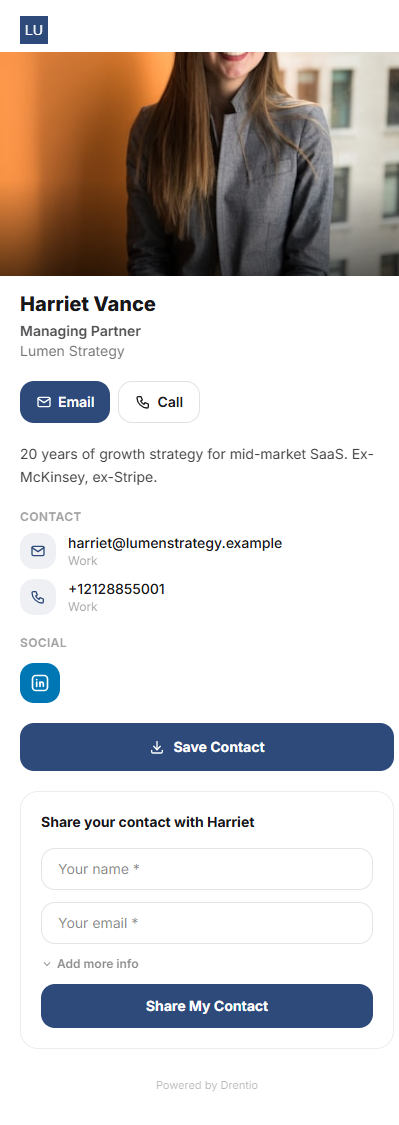
The four ways to share
| Method | Best for | What the recipient gets |
|---|---|---|
| QR code | In-person, printed on physical cards / signage / lanyards | Camera scan → card page in mobile browser |
| Short link | Email signatures, SMS, DMs, conference chat | drentio.com/c/smash-co/marcus-reed |
| vCard download | "Save to contacts" — works on any phone | .vcf file → opens iOS / Android contacts app pre-filled |
| Apple Wallet pass | iOS power users, repeat networking | Native .pkpass — lives in Wallet alongside boarding passes |
How to share each
Step 1 — Open the card
From Cards → Marcus Reed (or whichever card).
Step 2 — Tap Share
The Share panel shows all four options.
Step 3 — Pick a method
- QR: Download PNG / SVG / PDF. Print on the back of physical cards for a "tap if you have NFC, scan if you don't" hybrid.
- Link: Copy + paste anywhere.
- vCard: Download .vcf yourself, or let recipients hit the "Save to contacts" button on the card page (it triggers the same download).
- Apple Wallet: Download .pkpass + AirDrop / email to the recipient. They tap "Add to Wallet."
Physical NFC cards
We don't sell physical cards directly — but every card page works with any third-party NFC card service. Just program the chip with your card URL (drentio.com/c/<brand>/<slug>). Tap card on phone → page opens.
The QR + NFC combo is the gold standard. Print the QR on the visible side of the physical NFC card. Old iPhones / non-NFC Android tap → QR is the fallback. New phones tap → NFC opens the page instantly. You cover both populations with one card.
Plan note
- QR + link: Free
- vCard download + Apple Wallet pass: Pro+ ($9/mo)