Bio Link
Sell from your page
Product block + tip jar + Stripe Checkout.
You can sell directly from your Bio Link page. No separate Shopify, no external checkout — diners tap a product, fill in Stripe Checkout, and money lands in your account.
What you can sell
| Block | Use it for |
|---|---|
commerce.product | A single product (digital or physical) at a fixed price |
commerce.tip-jar | Pick-an-amount tipping ("Buy us a coffee") |
commerce.gift-card | Gift cards in fixed denominations ($25, $50, $100) |
For a full storefront with cart + multi-item checkout, use the Restaurant module instead.
How to add a product
Step 1 — Connect a payment processor
Bio Link → Settings → Payments. Connect your Stripe account via Stripe Connect (60-second flow). You only do this once per brand.
If you're in a region Stripe doesn't serve well (Pakistan / India / parts of Africa / LATAM / SEA), see Payment processors for the regional rails on the roadmap (Safepay + JazzCash + EasyPaisa for PK, Razorpay for IN, Flutterwave for AF, MercadoPago for LATAM, etc.).
Step 2 — Add a product block
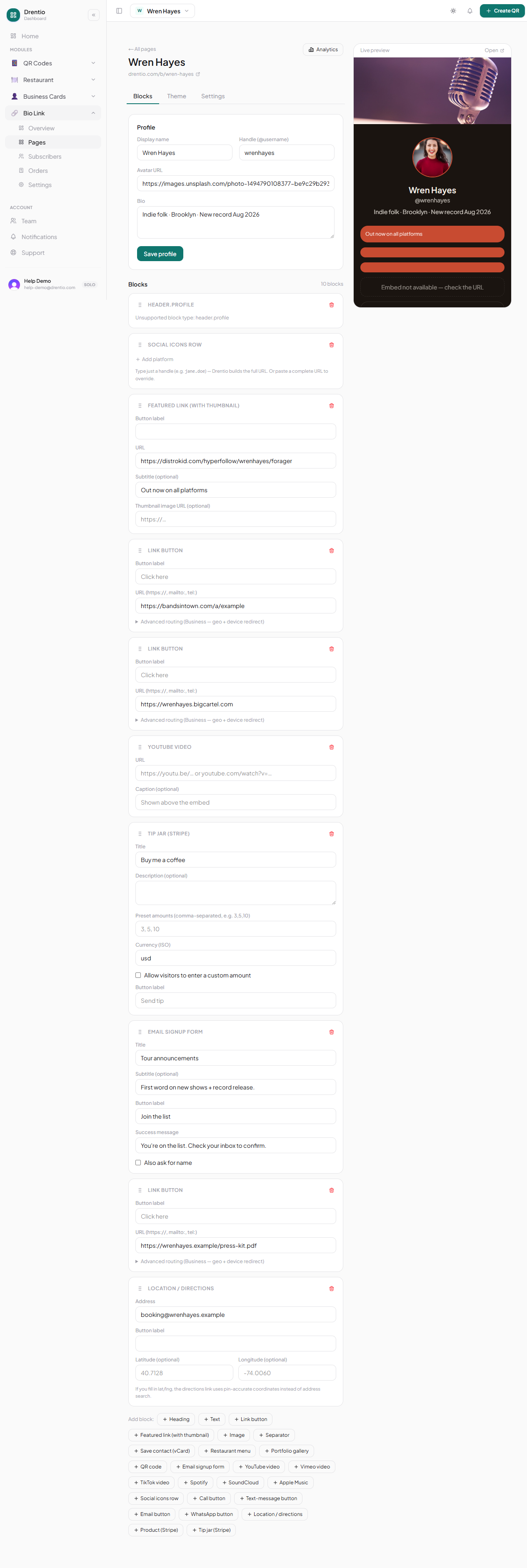
In your page editor → + Add block → Commerce → Product.
Step 3 — Fill the product details
- Name — "Smash & Co. Hot Sauce"
- Description — short, punchy
- Image — high-res product shot
- Price — in your default currency
- Inventory (optional) — limit stock; auto-hides when sold out
- Fulfillment —
digital(download link emailed) orphysical(you ship)
Step 4 — Save + test
Tap Preview. Buy it yourself with a test card. Confirm:
- Checkout opens
- Payment succeeds
- You get the order email
- (Digital) Buyer gets the download link
Tip jar specifics
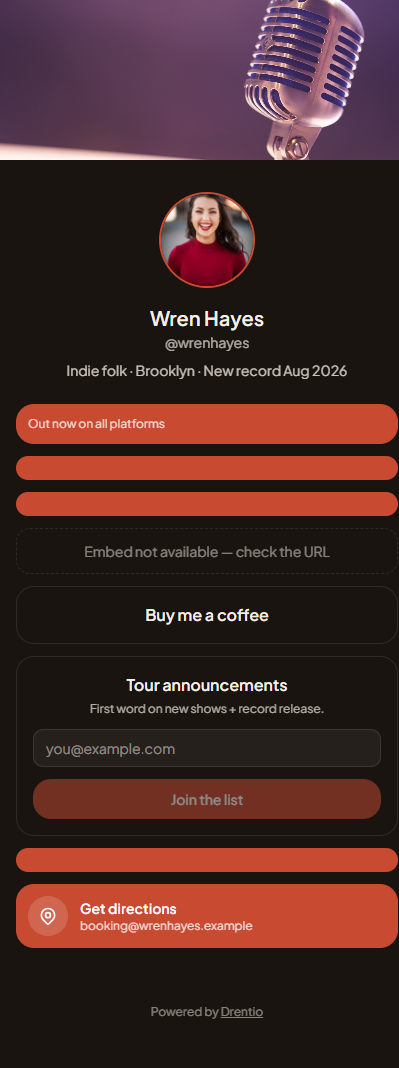
The tip-jar block shows a picker (e.g. $3 / $5 / $10 / custom). Great for content creators, street musicians, restaurants with a vibe.
- No inventory — unlimited
- No fulfillment — pure tip
- Suggested amounts — configurable; defaults are good
Fees
- Stripe takes its standard fee (~2.9% + $0.30)
- Drentio takes $0 platform fee on transactions (no app fee per D-32)
You keep everything Stripe gives you.
Sales tax / VAT. We don't collect or remit tax for you. If you're selling to a tax-applicable jurisdiction, configure Stripe Tax (one toggle in your Stripe dashboard). For most creator-tier use cases (tips, digital files under $50/mo), this isn't enforced — but check your local rules.
Plan note
- Tip jar: Pro ($9/mo)
- Product / gift card sales: Business ($29/mo)