QR codes
Make your first QR code
From homepage generator to your first dashboard code.
The fastest way to make a QR code in Drentio: paste a URL on the homepage. No signup, no account, no nothing. Free.
Anonymous (no signup)
Step 1 — Go to drentio.com
The homepage has a QR generator front-and-center.
Step 2 — Pick a type + enter your data
The default is URL. Other tabs let you encode WiFi, vCard, phone, text — see All QR content types.
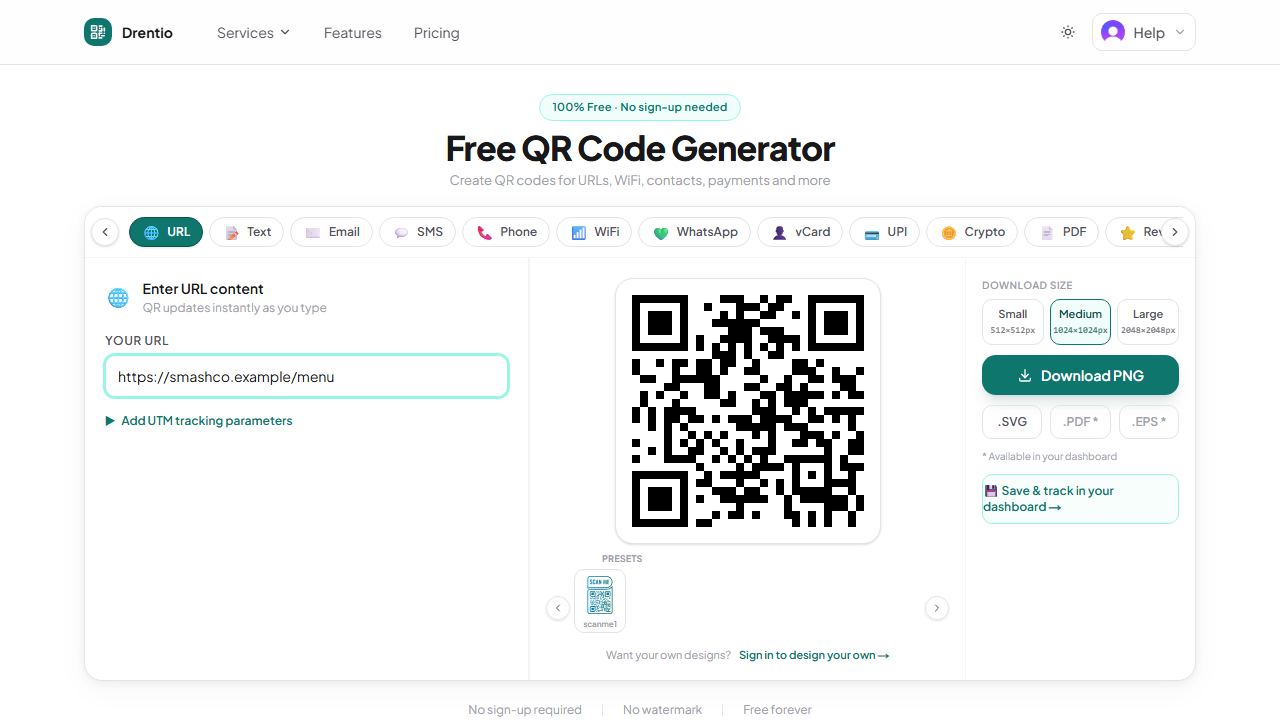
Step 3 — Customize (optional)
Open the design panel: pick a foreground color, background color, dot shape, eye shape. Add a logo if you want.
Step 4 — Download
PNG / SVG / PDF. Print it on whatever you're sticking it on. Done.
Signed-in (more features)
Anonymous codes work great for one-offs. For anything you'll print and forget — a flyer that you might want to repoint to a different URL later, or a code you want to track scans on — sign in and use the dashboard.
The dashboard adds:
- Save your codes so you don't lose them
- Make them dynamic so you can edit the destination without reprinting
- Track scans to see how many people scanned and when
- Folders + saved styles for organization at scale
- Bulk create from CSV
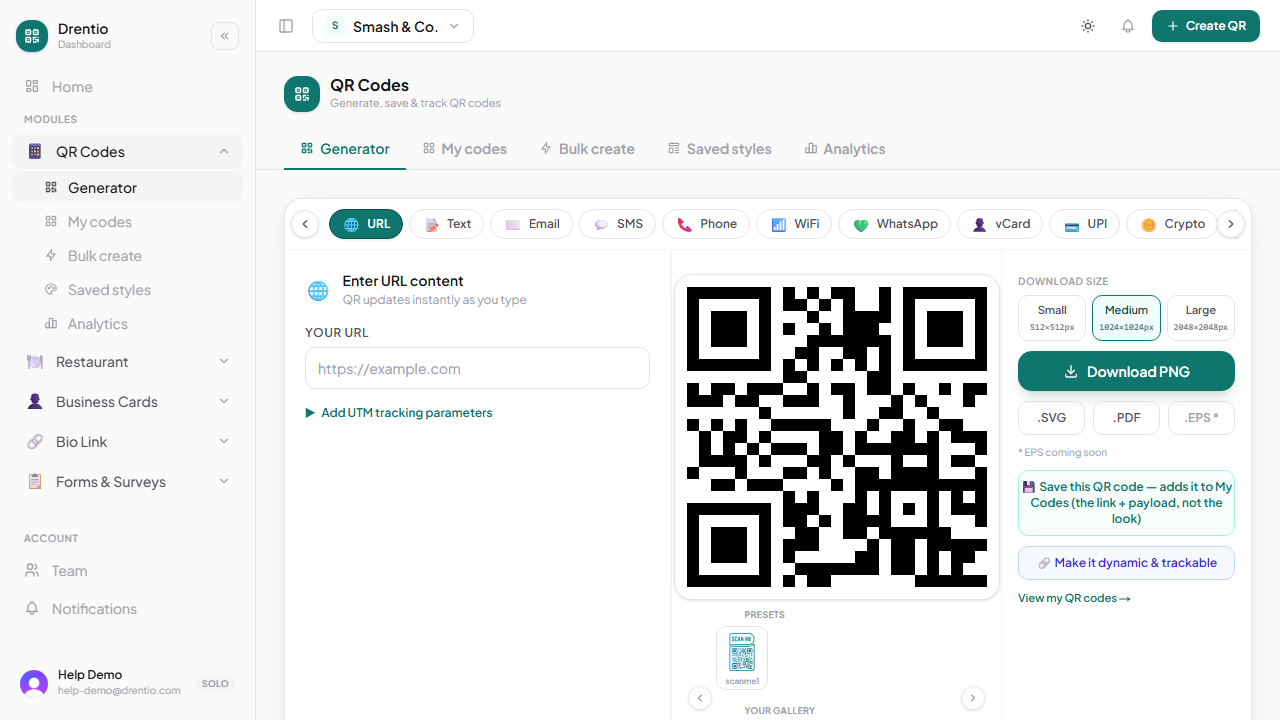
See Dynamic vs static codes for the most important distinction.
For one-off personal use (your home WiFi guest code, a vCard for a conference) — the anonymous homepage generator is perfect. For anything business-related, sign in and use dynamic codes. Repointing a printed flyer to a new URL is the killer feature.