Bio Link
Create your first Bio Link page
Page basics + your first three blocks.
A Bio Link page is a single hosted URL (e.g. drentio.com/b/smash-co-brooklyn) where you collect links to everything you do — Instagram, YouTube, a product, a tip jar. Diners scan your QR or follow a social bio and land here.
You build the page by stacking blocks: a header with your name, social links, a featured product, a contact form, etc.
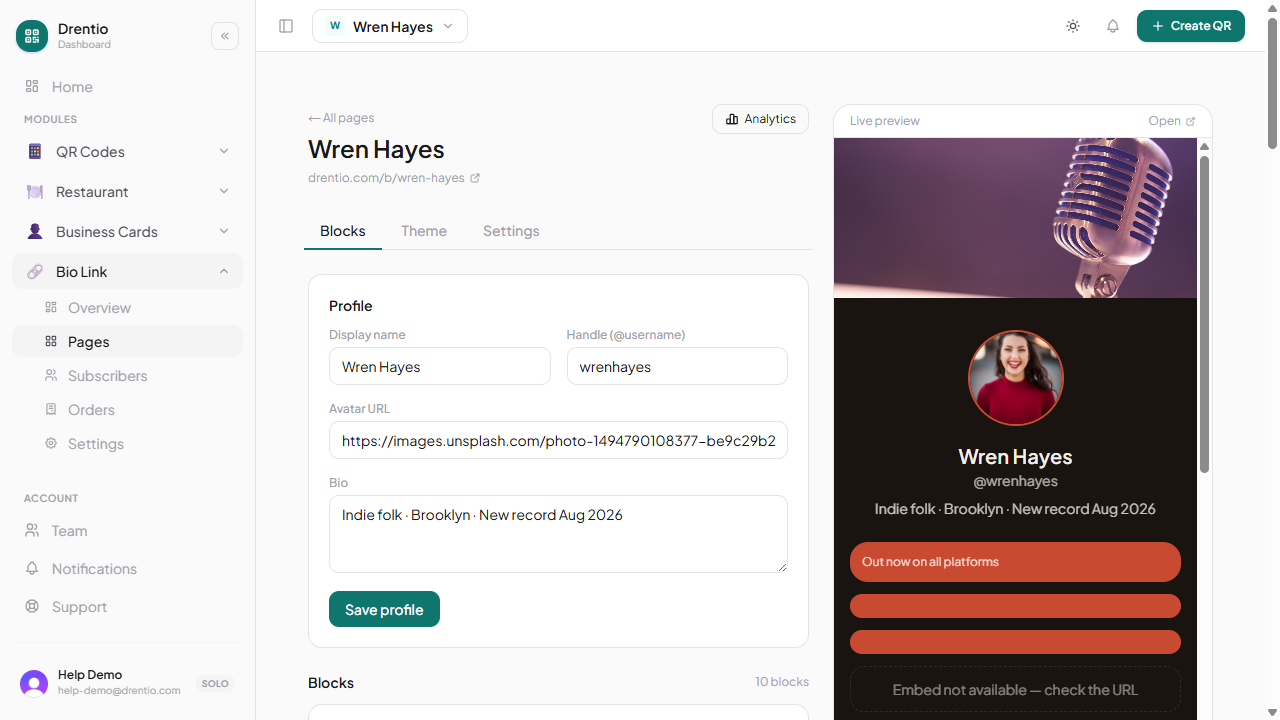
Build your first page
Step 1 — Create the page
From your dashboard → Bio Link → + New page. Give it:
- Title — what shows on the page (e.g. "Smash & Co. Brooklyn")
- Slug — the URL (e.g.
smash-co-brooklyn→drentio.com/b/smash-co-brooklyn)
Step 2 — Add a header block
The first block should always introduce you. Pick Header → Profile. Fill:
- Display name
- Tagline ("Smash burgers, Brooklyn, since 2018")
- Profile photo (auto-pulled from your brand identity if set)
Step 3 — Add a "social row"
Block type: Social → Row. Pick the platforms you're on (Instagram, TikTok, YouTube, etc.) and paste your handles. Renders as a row of icon buttons.
Step 4 — Add link buttons
Block type: Link → Button. One per important destination:
- Your menu (e.g.
drentio.com/menu/brooklyn) - A featured offer ("Try the new ghost-pepper smash")
- Your reservation form
- A blog post or news feature
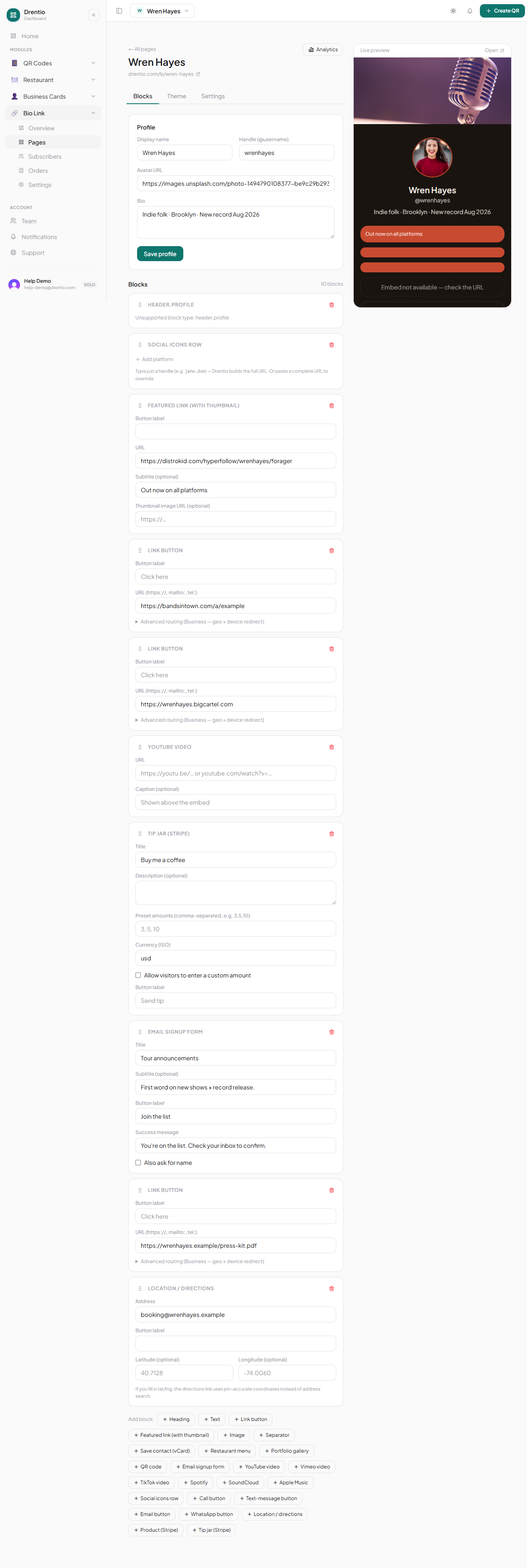
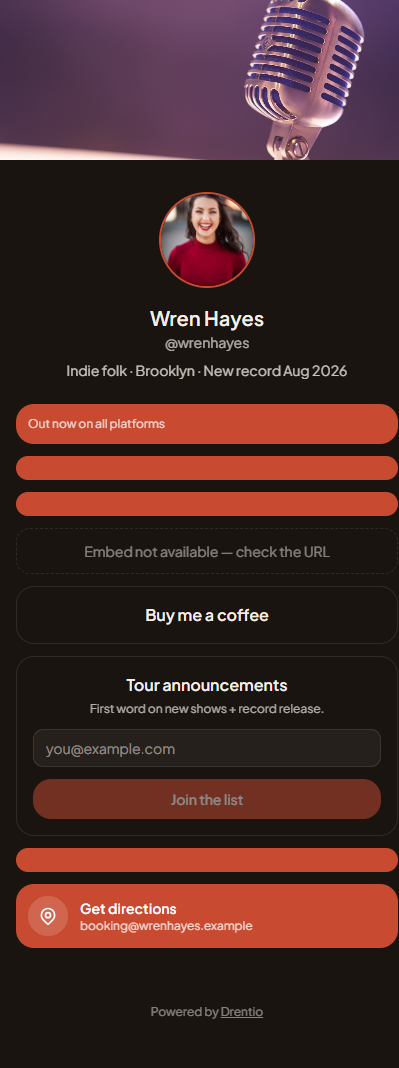
Step 5 — Save + preview
Tap Preview. Drentio shows you the mobile view — the only view that matters. Iterate until it feels right.
Step 6 — Share the URL
Drop drentio.com/b/smash-co-brooklyn into your Instagram bio, TikTok bio, Twitter, etc.
A good first page is 4–7 blocks
More than that and visitors freeze. Less than that and you're wasting the page. Pick your top 5 destinations and start there.
The QR code trick. Your bio page has its own QR auto-generated — print it on table tents, flyers, stickers. Scan → land on your bio page → tap a link. Great for in-person → social conversion.