Business Cards
Card templates
6 layouts + 12 presets — pick once, restyle later.
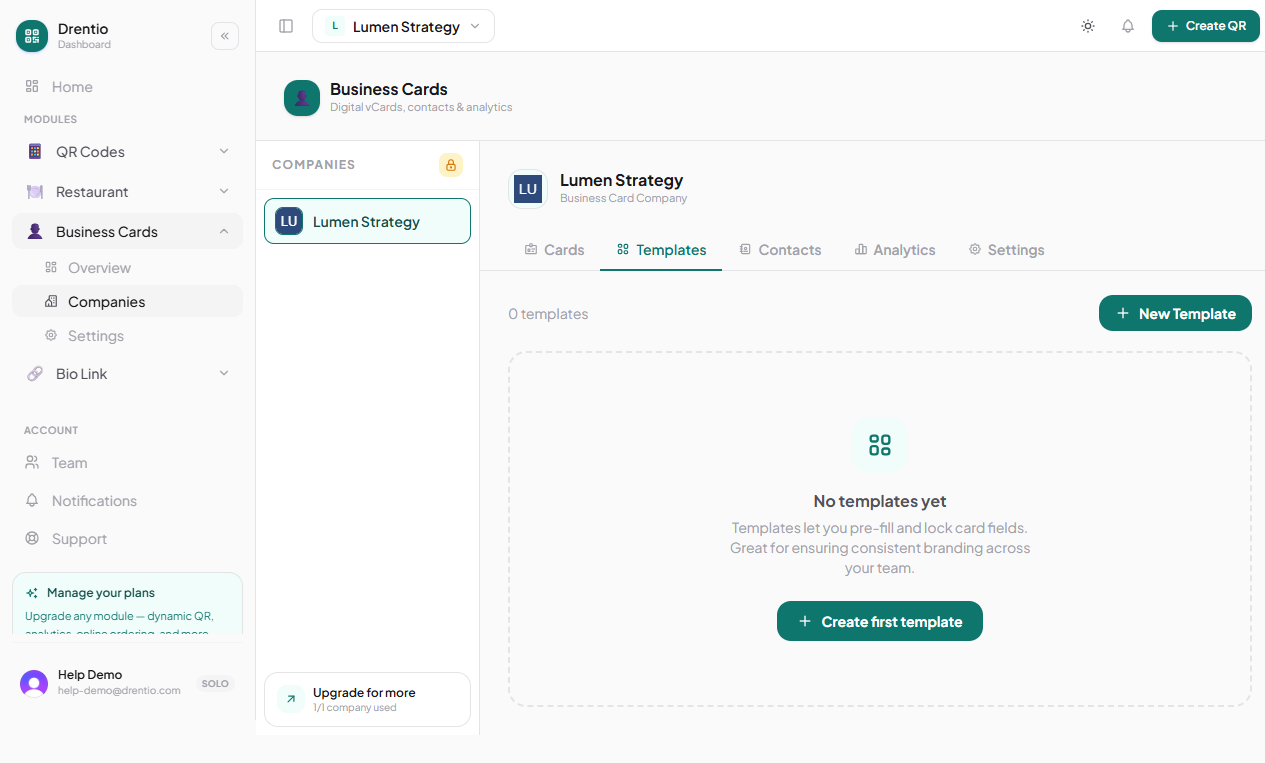
A template defines the look + the default field values for cards. Pick a template once, every new card in the company inherits its design + pre-filled fields.
The 6 layouts
| Layout | Vibe |
|---|---|
| Cover | Big header image; identity overlaid. Bold + visual. |
| Sidebar | Photo + identity on the left; details on the right. Editorial. |
| Centered | Everything stacked center-aligned. Classic + safe. |
| Banner | Wide horizontal hero strip + stacked details. Magazine-feel. |
| Minimal | Type-only, no images. Designer-favorite. |
| Split | Photo half-and-half with text. High impact. |
Layout is structural — what goes where. Templates also include design tokens (colors, fonts) and default values (e.g. pre-fill "Acme Corp." as the company name on every card).
12 design presets
When you create a company, pick from 12 curated presets ("Tech minimalist", "Luxury black", "Warm earth", "Vibrant gradient", etc.). The preset sets:
- Layout choice
- Primary / secondary / accent colors
- Font family
- Photo shape (circle / rounded / square)
- Header style (solid / gradient / image)
You can override any of these later per-card.
How company-level templates work
Step 1 — Open the company
From /dashboard/<brand>/business-card/companies/<id>. Tap the Templates tab.
Step 2 — Create a template
Tap + New template. Set defaults — e.g. pre-fill the companyName field with "Acme Corp.", lock the primaryColor to your brand red.
Step 3 — Lock fields (optional, Pro+)
Mark some fields as locked — seat users can't edit them. Useful for HR rolling out cards: lock companyName, companyLogoUrl, and address; let employees fill in their own name, title, photo.
Step 4 — Set as default
Mark one template as default. New cards in this company auto-apply it.
Set up templates BEFORE bulk-creating cards. A 200-card bulk import using a properly-configured template gets you 200 consistently-branded cards in 5 minutes. The same import without a template gives you 200 cards that each need individual styling.
Plan note
- Free — 1 template per company
- Pro $9 — 8 templates per company + field locking
- Business $29 — unlimited templates + customizable presets